
#Product feeds
The product data your ads are built from - images, titles, prices - and how to edit it so more shoppers click.
-
 Changelog
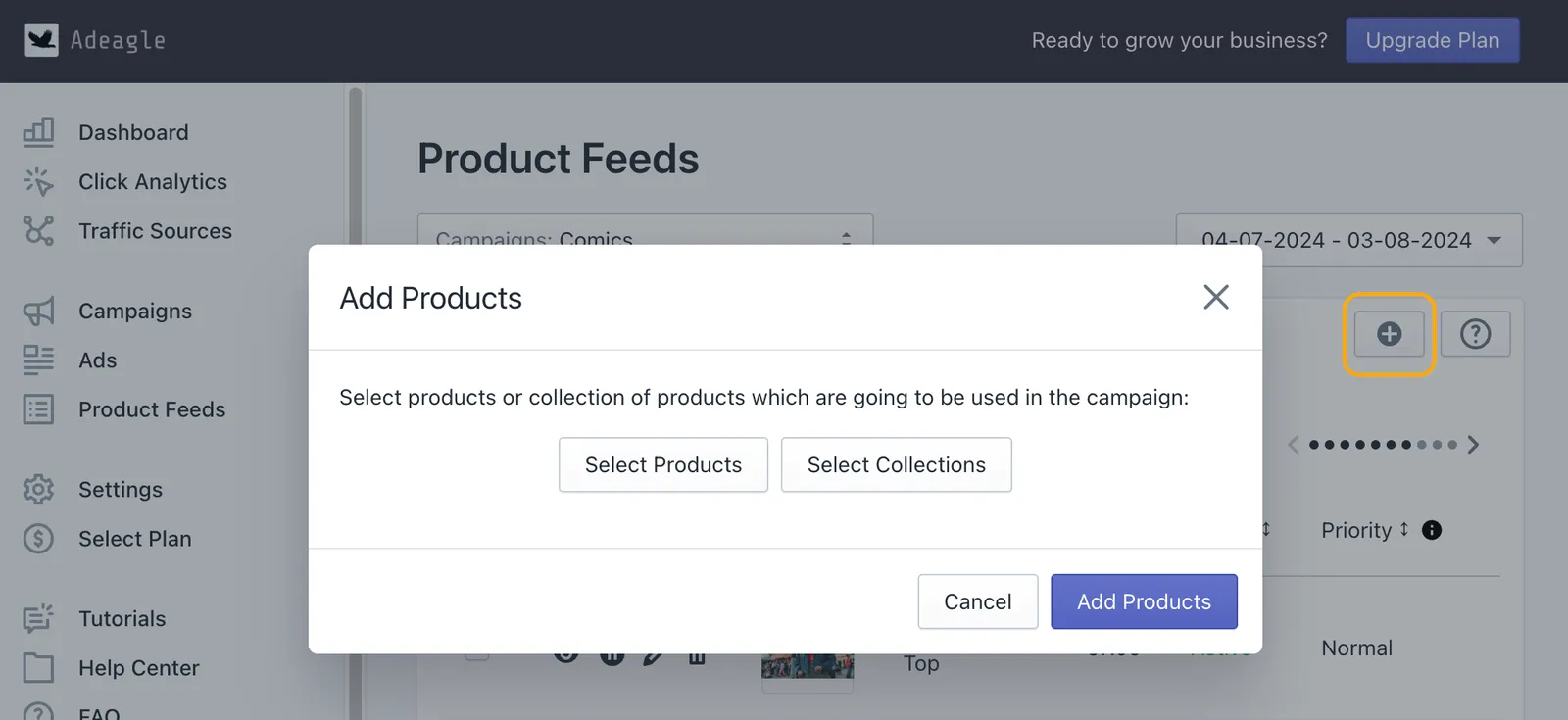
You can now add products to existing campaigns
Add products or whole collections to a campaign that is already running, from the Product Feeds section, with no need to create a new campaign. Step by step.
2 min read#advertising #campaigns - Changelog
Introducing bulk edit for campaigns, ads and product feeds
Bulk Edit lets you change many campaigns, ads or products at once - pause them, change priorities or edit banners - instead of one at a time. How it works.
2 min read#advertising #campaigns -
 Changelog
Introducing AI campaign optimization 2.0
AI Campaign Optimization 2.0 shows each change it makes to your ads and products in the app, and its improved algorithm raises the CTR of your campaigns.
2 min read#advertising #ai-optimization -
 Shopify how-tos
How to add products to your Shopify store: a simple guide
Add products to Shopify step by step - one at a time, in bulk with a CSV file, or from your phone - with the fields that make a product easy to find and to buy.
4 min read#product-feeds -
 Shopify how-tos
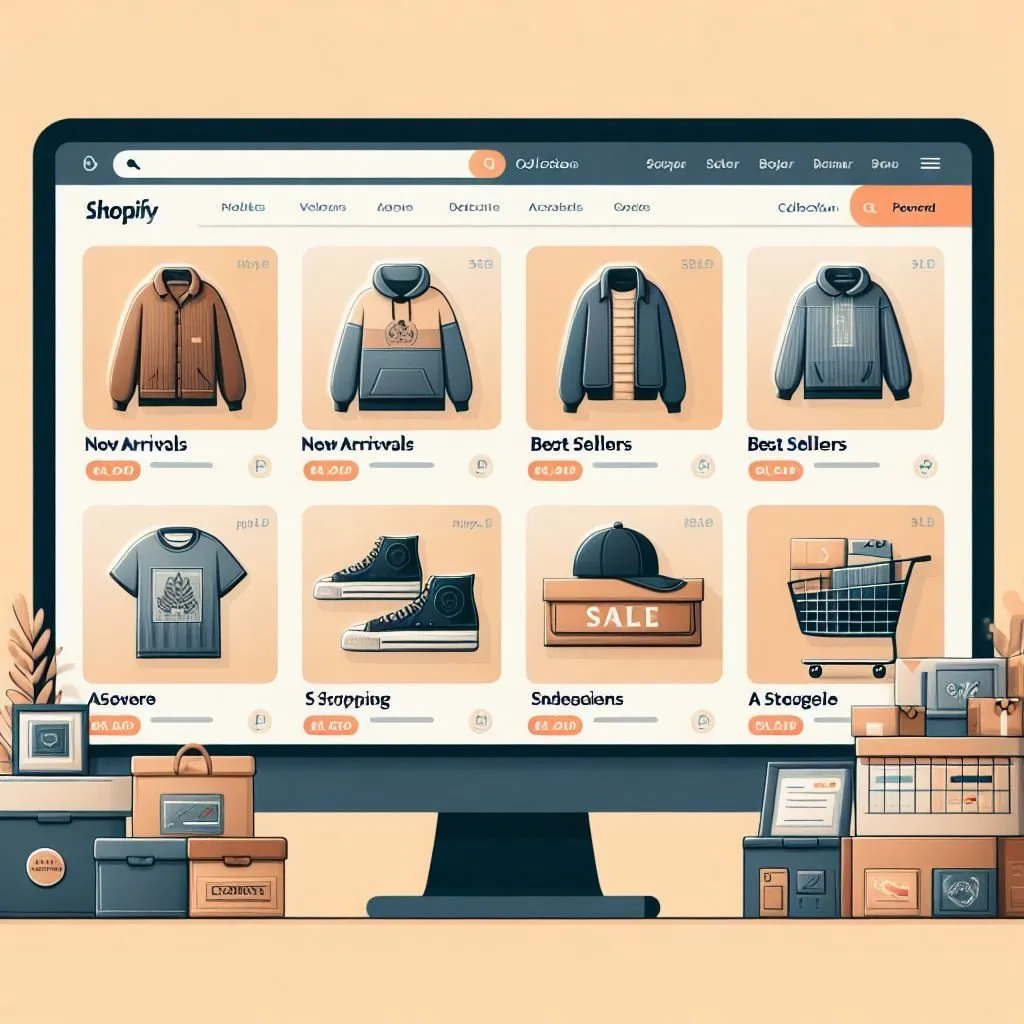
How to add Products to Collections on Shopify
Add products to manual and automated collections in Shopify, step by step, and keep your Adeagle campaigns in sync when a collection gets new products.
3 min read#store-setup #product-feeds -
 Changelog
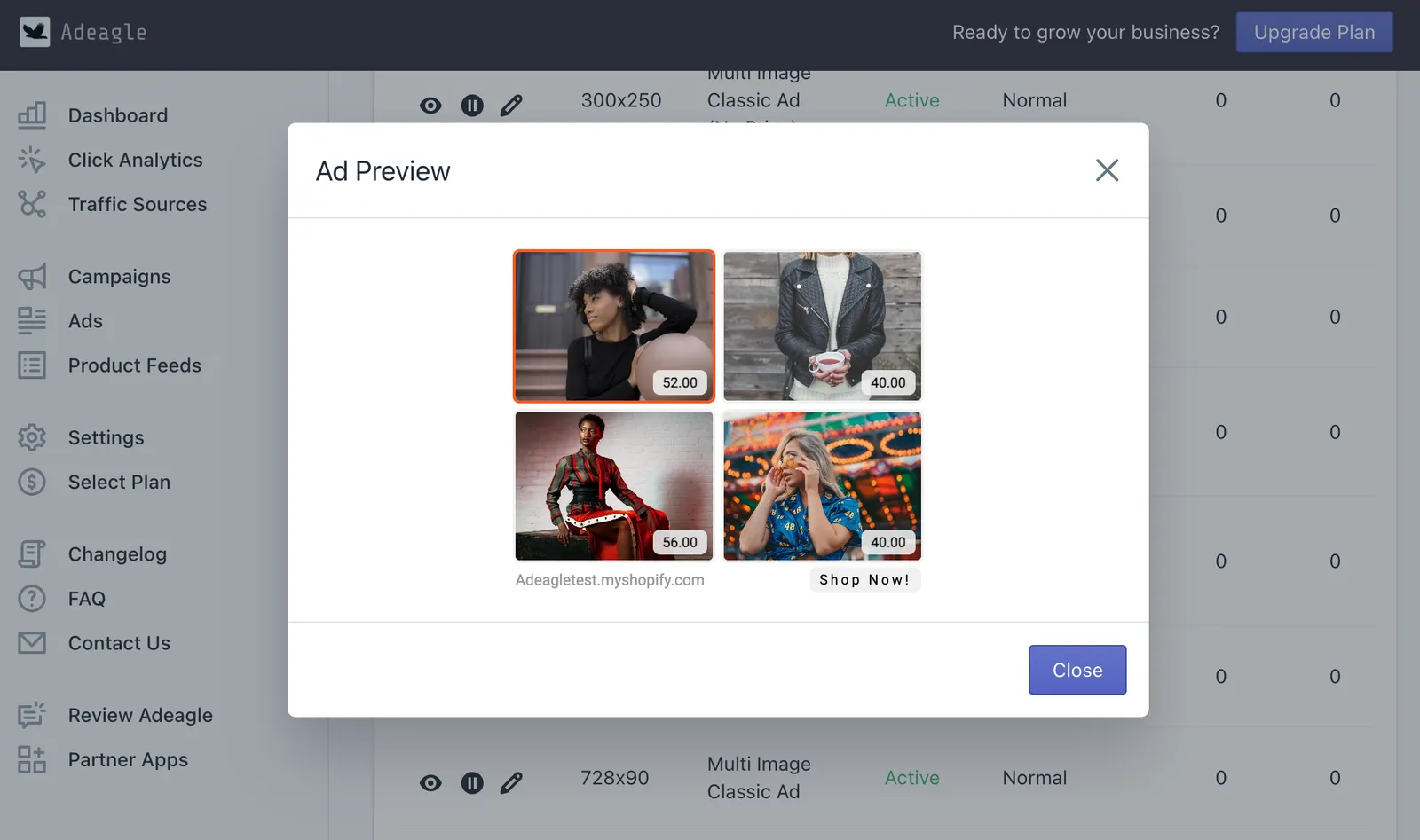
More control over your ads
The Ads section was split in two - Product Feeds for products and their fields, and a new Ads section to preview, compare and prioritize every single banner.
1 min read#advertising #product-feeds