
Short answer: in your Shopify admin go to Online Store > Themes, click ”…” next to your theme, choose Edit default theme content, search for “powered”, type a single space in the “Powered by Shopify” box and click Save. It takes two minutes, it is free, and Shopify allows it.
If the line is still in your footer after that, your theme writes it in its code - method 2 below removes it there.
Why remove “Powered by Shopify”?
Every Shopify theme shows a small “Powered by Shopify” link in the footer by default. Most stores remove it because:
- It looks more professional. A footer with only your brand, your links and your copyright line looks like a finished store.
- It keeps shoppers on your site. The line is a link that leads away from your store, to Shopify.
- Nothing breaks. It is not required by Shopify and has no effect on payments, checkout or search ranking.
Method 1: remove it in the theme editor (no code)
This works for almost every theme, including Shopify’s free themes such as Dawn.
- In your Shopify admin, click Online Store, then Themes.
- Next to your current theme (the published one, at the top), click the ”…” button.
- Choose Edit default theme content.
- In the Filter items box, type powered. You will see Powered by Shopify and Powered by Shopify HTML.
- In the Powered by Shopify box, delete the text and type a single space. An empty box brings the default text back; a space hides it.
- Click Save, then open your store and look at the footer.
Tip: you can also write your own line instead of a space - for example ”© 2026 Your Store Name. All rights reserved.”
Method 2: remove it in the theme code
Use this when the line stays after method 1. Some themes, often older or paid ones, write it straight into the footer code.
- Go to Online Store > Themes, click ”…” next to your theme and choose Duplicate. You now have a backup to go back to.
- On the theme you want to change, click ”…” again and choose Edit code.
- In the Sections folder, open footer.liquid. (In some themes the file has another name, such as footer-group or footer.section - open the one with “footer” in its name.)
- Press Ctrl + F (Windows) or Cmd + F (Mac) and search for powered_by_link.
- Delete that tag -
{{ powered_by_link }}- and only that tag. Leave the code around it as it is. - Click Save and check your footer.
If you cannot find the tag in the footer file, search for powered in the theme’s Snippets folder too. When in doubt, ask your theme’s developer: it is a one-minute change for them.
The password page (“Opening soon”)
While your store is password-protected, the “Opening soon” page shows its own line. In Edit default theme content, search for powered and put a single space in the Powered by Shopify HTML box as well, then save.
After you change your theme
Code edits stay with the theme you made them in. When you switch to a new theme or update your theme to a new version, check the footer again and repeat the steps above.
Next: get your store seen
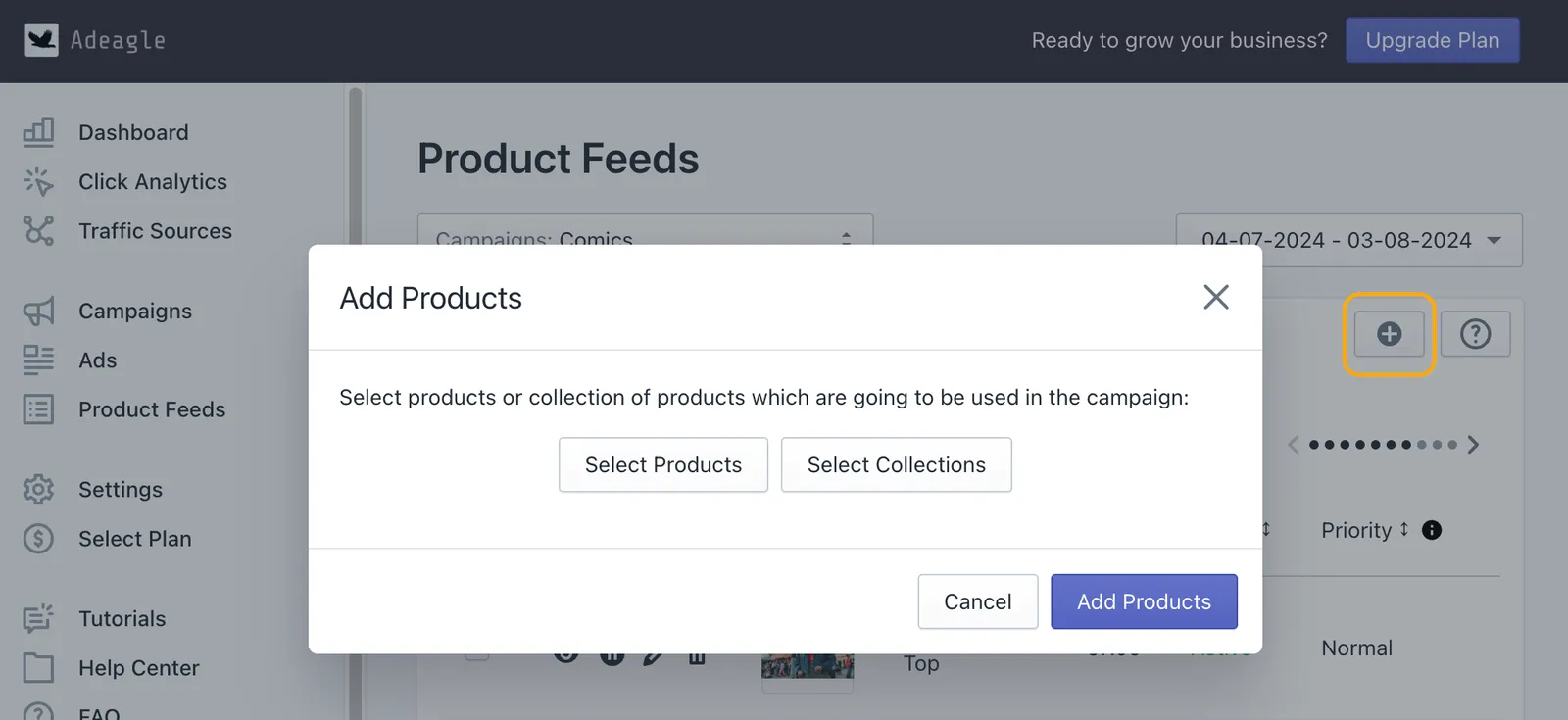
A clean footer is one of the small details that make a new store look trustworthy. The bigger question for most new stores is traffic - people need to find the store before they can buy. Adeagle shows your products as ads on other Shopify stores, blogs and apps, so shoppers who never heard of you see what you sell. You set one monthly budget, and the app tracks every order the ads bring.
To check whether ads would pay off for your store, start with the free ROAS calculator - it shows the return your margin needs.
Related: how to change your Shopify store name and domain, how to add products to your Shopify store and more Shopify how-tos.
Questions
In your Shopify admin go to Online Store > Themes, click the "…" button next to your theme and choose Edit default theme content. Search for "powered", type a single space in the "Powered by Shopify" box and click Save.
Yes. Shopify's own help center explains how to do it, and it is free on every plan.
No. The line is a small link in your footer; removing it does not change how Google ranks your store.
Some themes write the line in their code instead of using the default theme content. Edit the theme code, find the powered-by tag in the footer file and delete it. Also check that you edited the published theme, not a copy.
In Edit default theme content, search for "powered" and also clear the "Powered by Shopify HTML" box - that text appears on the "Opening soon" page while your store is password-protected.
It can. Code edits are not carried over to a new theme version, so after an update open your storefront and check the footer again.