
#Advertising
How online advertising works for a small store: where ads appear, what you pay for, and how to judge whether they earn back their cost.
-
 Marketing
Retargeting vs remarketing: what a small Shopify store needs
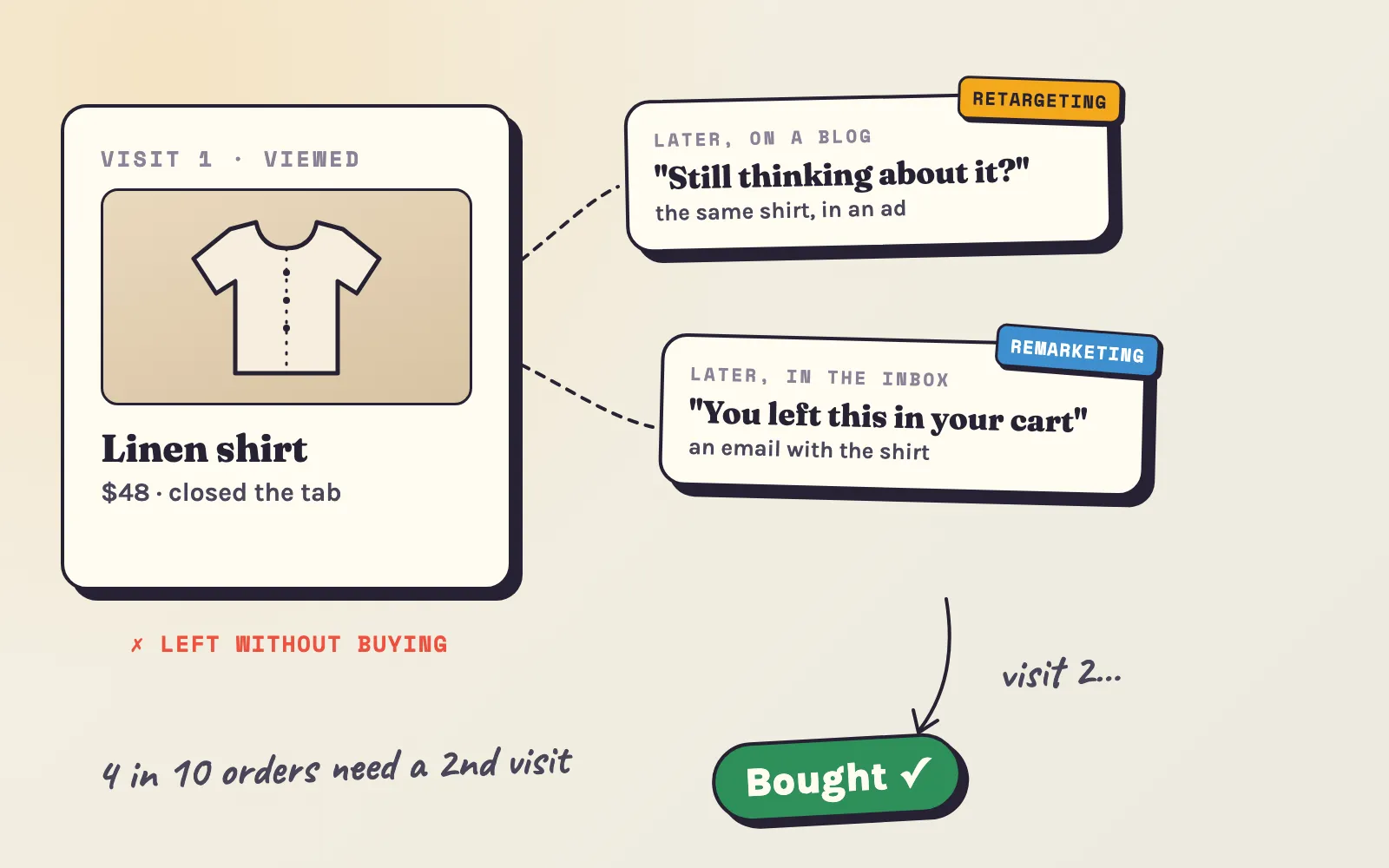
Retargeting shows ads to past visitors; remarketing reaches them by email or SMS. What each costs, which to set up first, and how to measure it honestly.
11 min read#advertising #targeting -
 Marketing
Dropshipping ads: where to advertise a dropshipping store in 2026
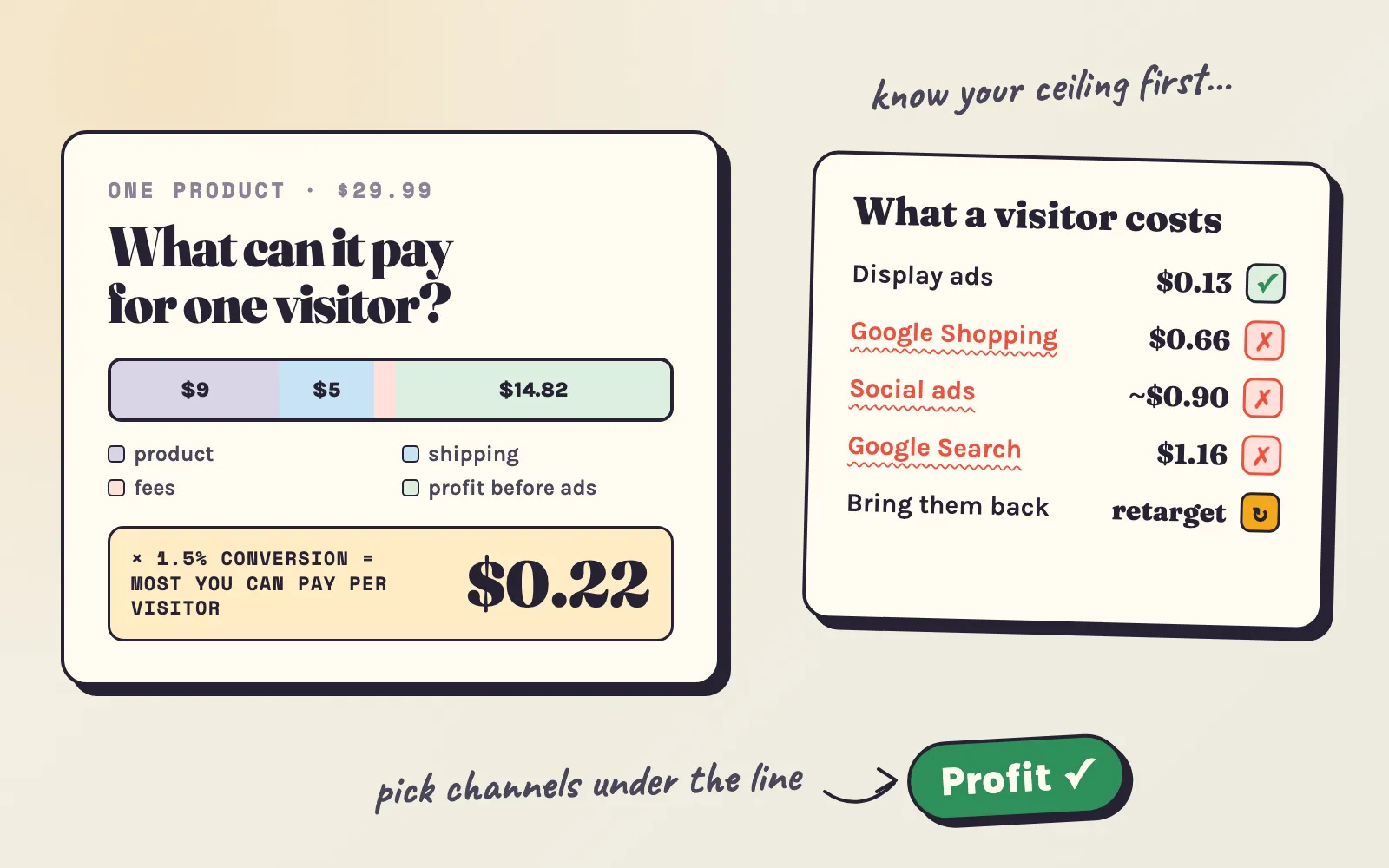
Dropshipping ads that pay - the most you can pay per visitor at your margin, what each channel costs, when to stop a test, and how to win back buyers who leave.
12 min read#advertising #sales-growth -
 Store optimization
No sales on Shopify? How to find the cause and fix it
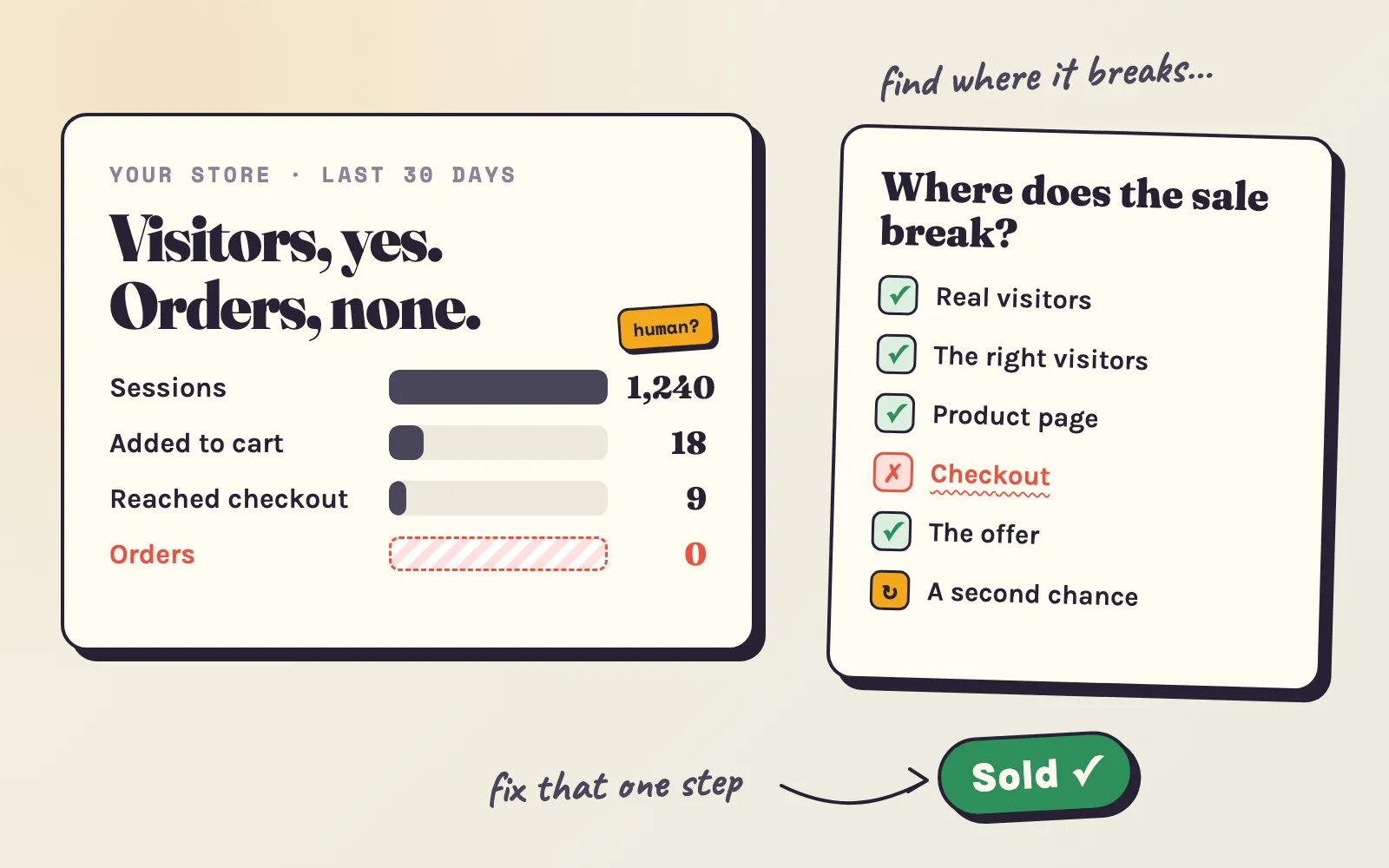
No sales on your Shopify store? Find out if it's traffic, the wrong visitors, trust, checkout or the offer - and fix it with steps for every budget, from $0 up.
15 min read#sales-growth #traffic -
 Marketing
Meta ads not converting? What changed in 2026 and what to do now
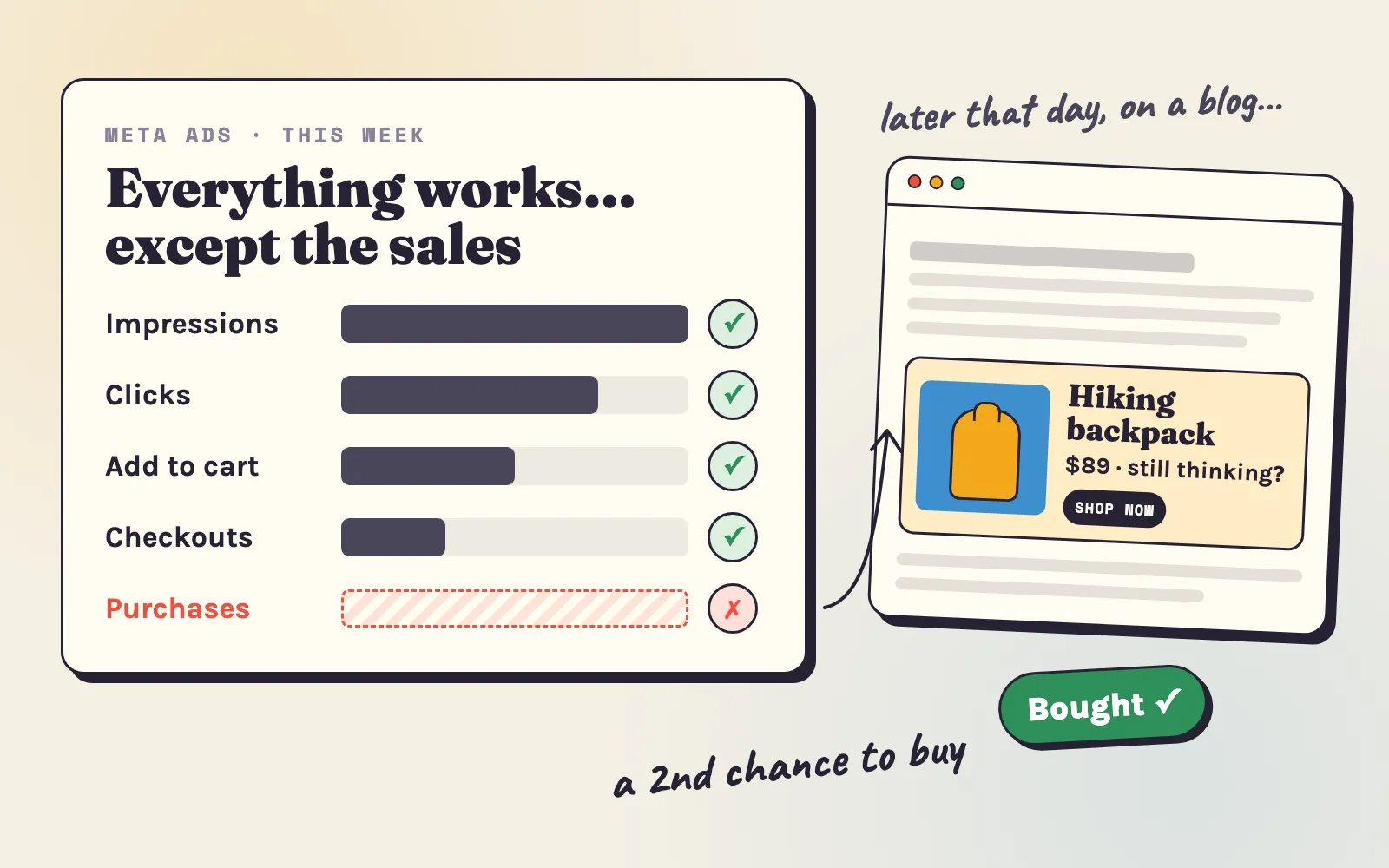
Meta ads bring clicks and add-to-carts but no sales? What changed in 2026, how to find the real cause, and why a second channel helps close the sale.
17 min read#advertising #social-media -
 Changelog
300+ page categories and 600+ shopper interests
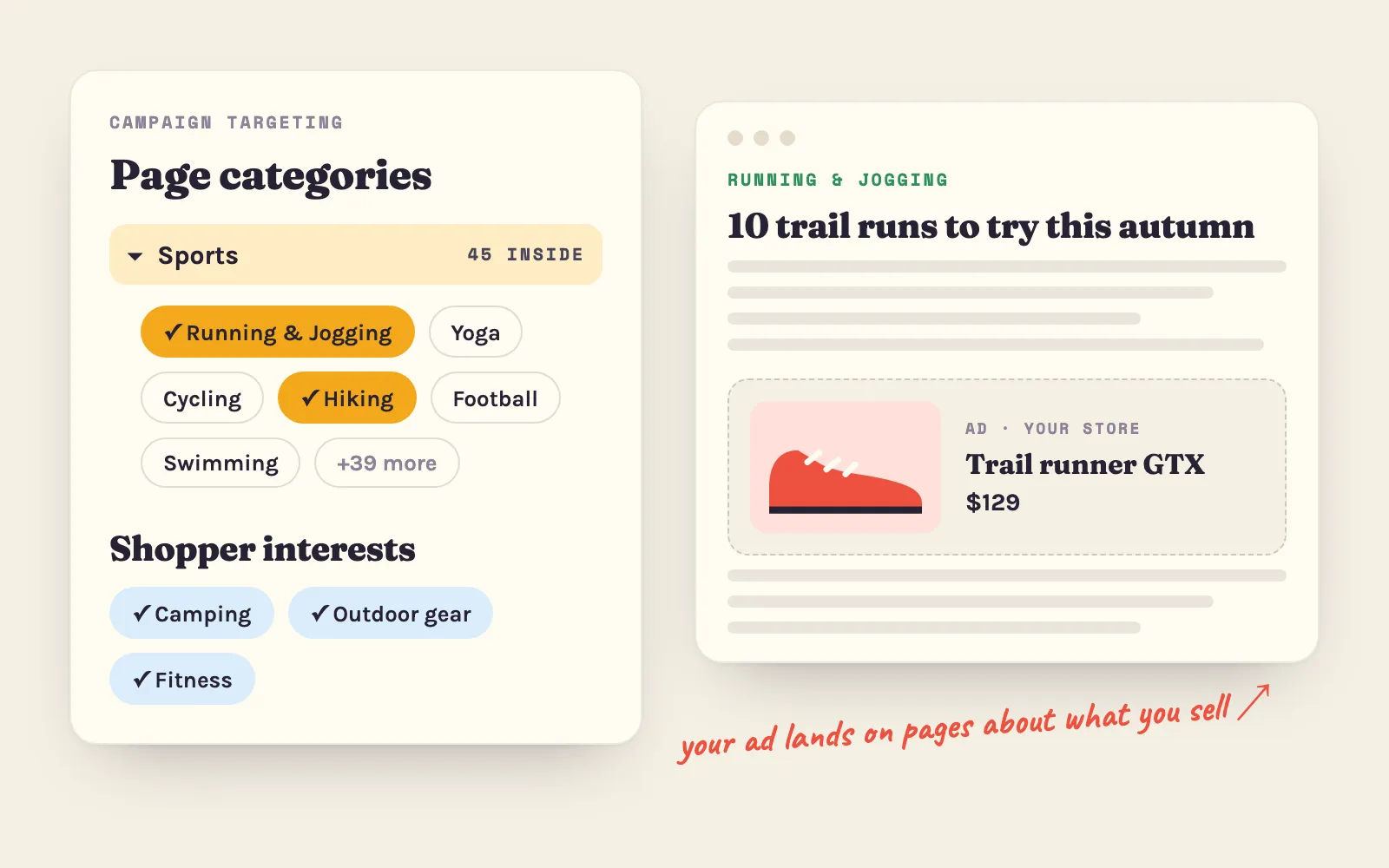
Campaigns can now target 300+ page categories and 600+ shopper interests, picking several of each. What changed, how the two work together, and how to choose.
4 min read#targeting #campaigns -
 Changelog
A Fresh New Look for Adeagle Ad Blocks
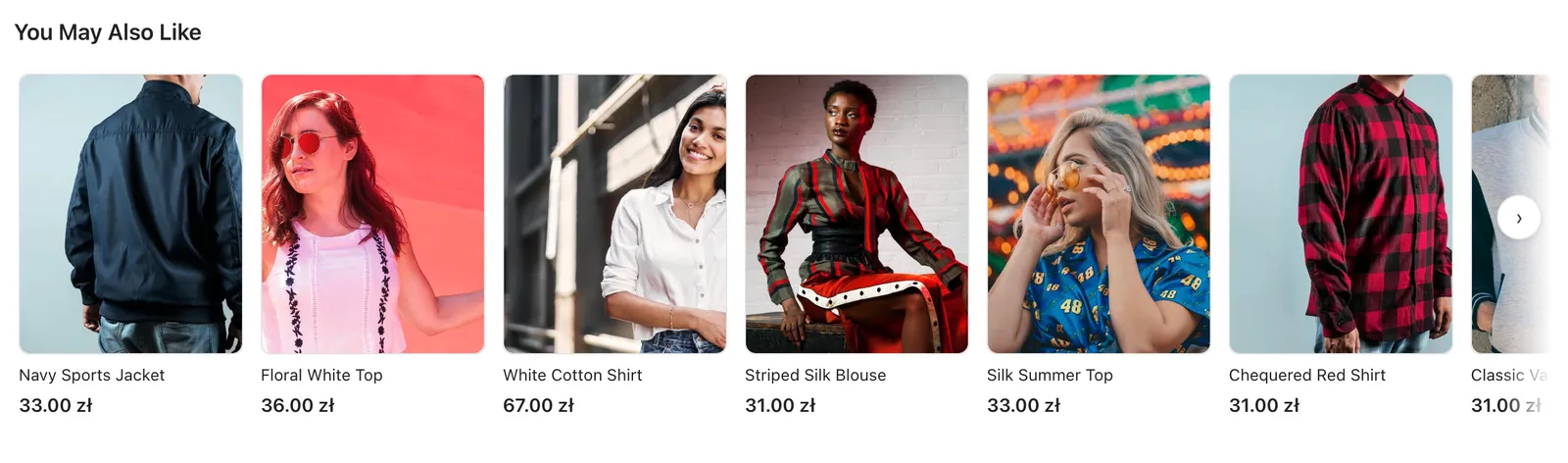
All ad blocks on the free Standard plan got a redesign - topbar, banner, native and notification ads now look cleaner and blend in with modern Shopify themes.
3 min read#ad-blocks #ad-exchange -
 Changelog
How we made Adeagle's ad network smarter with a dynamic blacklist
Most ad networks block low-CTR sites forever. Adeagle gives blocked placements a second chance, because performance changes. How the dynamic blacklist works.
2 min read#advertising #campaigns -
 Changelog
You can now add products to existing campaigns
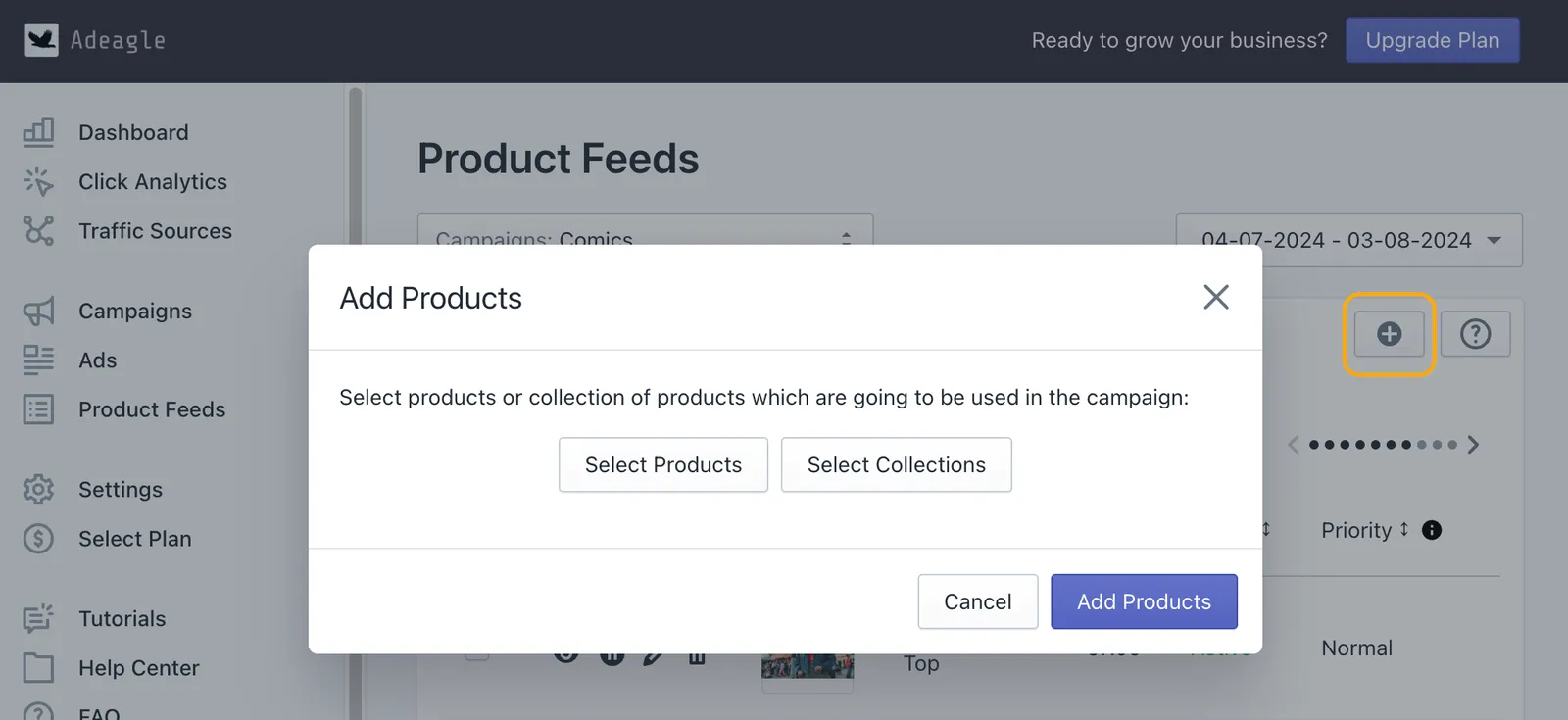
Add products or whole collections to a campaign that is already running, from the Product Feeds section, with no need to create a new campaign. Step by step.
2 min read#advertising #campaigns -
 Marketing
How to advertise your Shopify store
A practical guide to advertising a Shopify store - know your audience, pick channels, set a budget, and measure what works - with what each channel costs.
8 min read#advertising #marketing -
 Store optimization
How to increase your Shopify conversion rate (2026 guide)
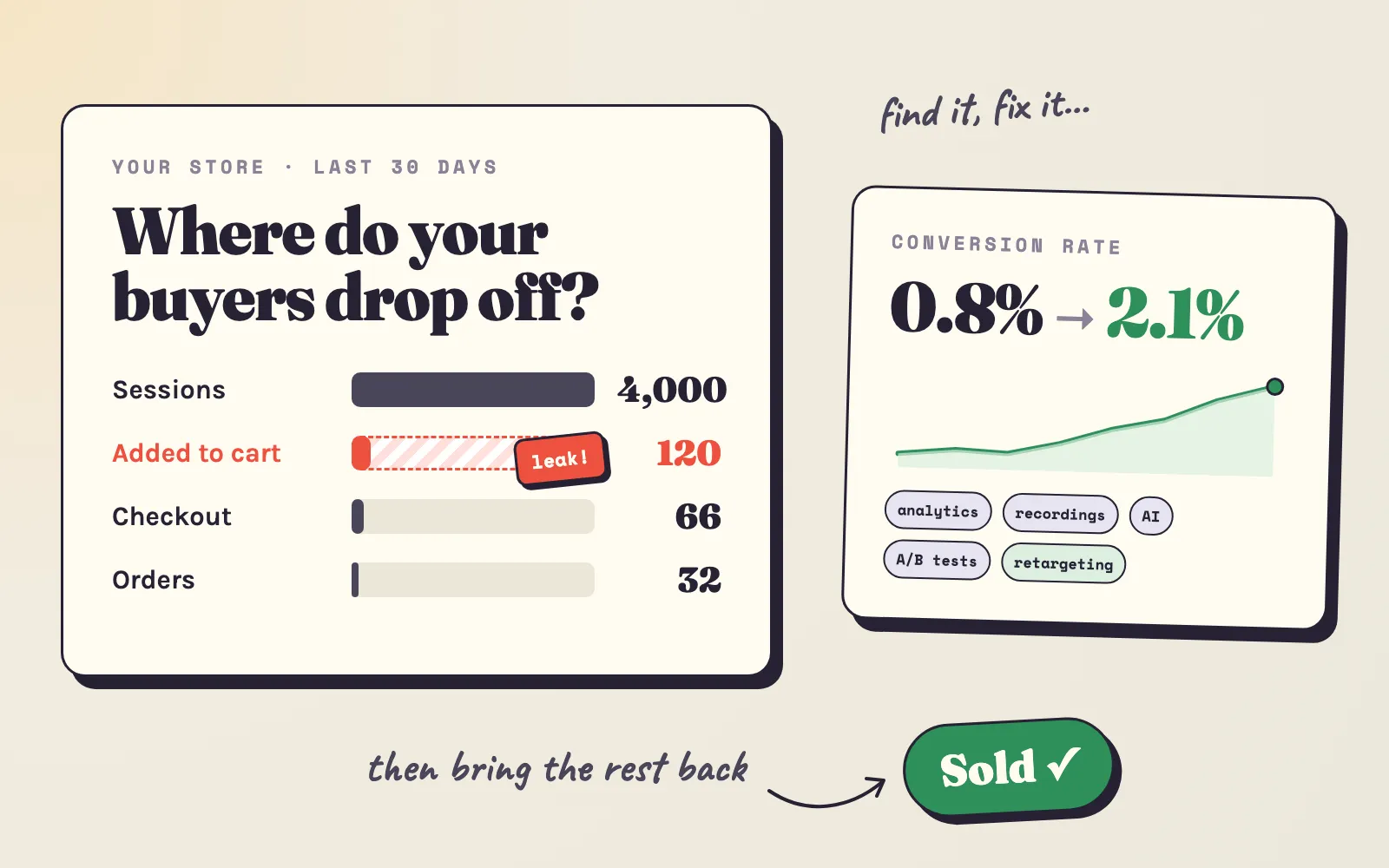
Low Shopify conversion rate? Find where buyers drop off with analytics, session recordings and AI, then fix the 10 most common leaks and test what works.
36 min read#conversion-rate #sales-growth - Changelog
Introducing bulk edit for campaigns, ads and product feeds
Bulk Edit lets you change many campaigns, ads or products at once - pause them, change priorities or edit banners - instead of one at a time. How it works.
2 min read#advertising #campaigns -
 Changelog
Introducing AI campaign optimization 2.0
AI Campaign Optimization 2.0 shows each change it makes to your ads and products in the app, and its improved algorithm raises the CTR of your campaigns.
2 min read#advertising #ai-optimization -
 Marketing
Facebook and Google Ads alternatives for Shopify stores (2026)
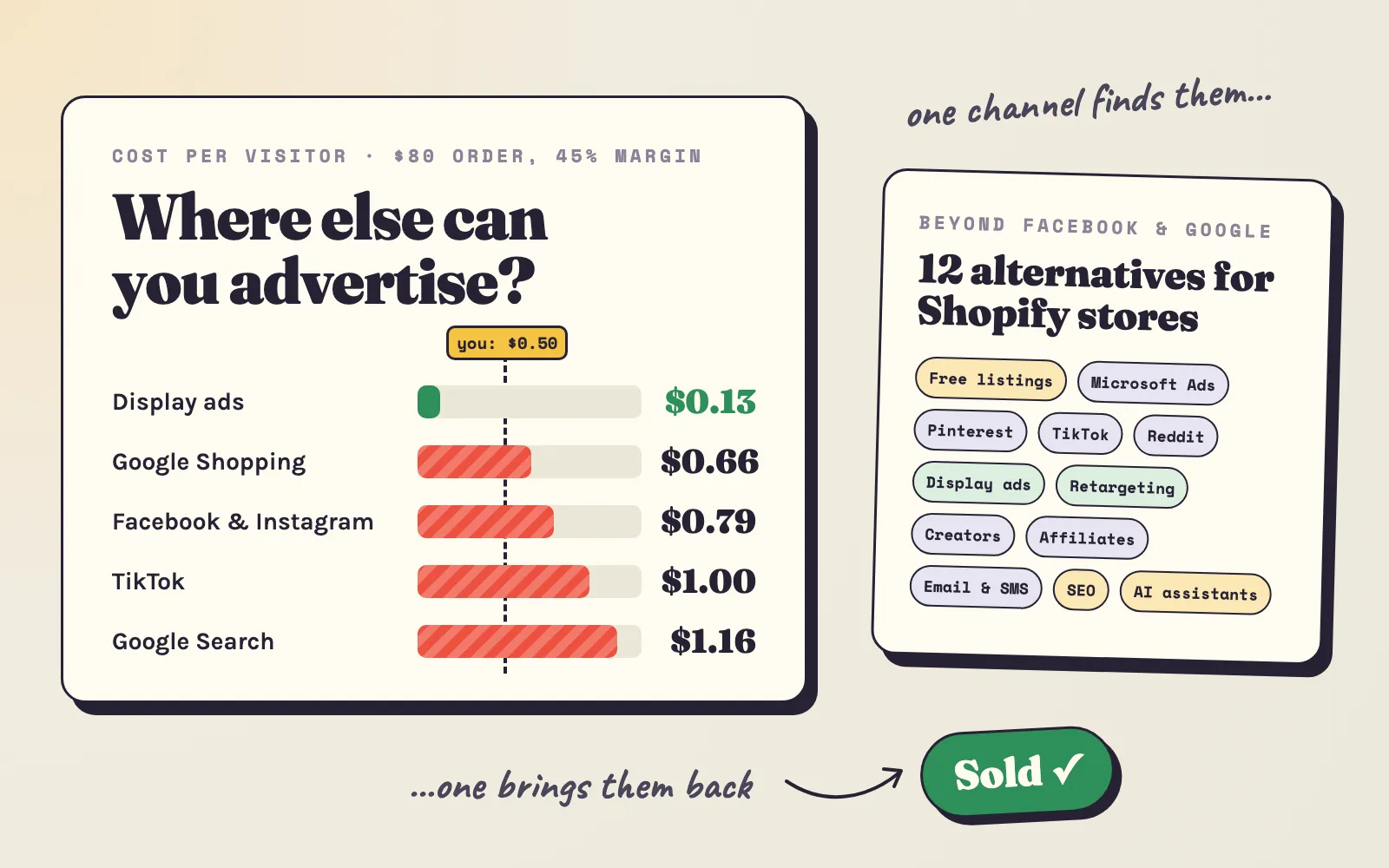
Facebook or Google Ads too expensive? 12 alternatives for Shopify stores - what a visitor costs on each, the minimum to start, and the mix that fits your budget.
22 min read#advertising #comparisons -
 Marketing
Promoting your Shopify store: a complete guide
Ways to promote a Shopify store - social media, SEO, email, content, influencers and ad networks - with what each one takes and the results you can expect.
10 min read#advertising #campaigns -
 Changelog
More control over your ads
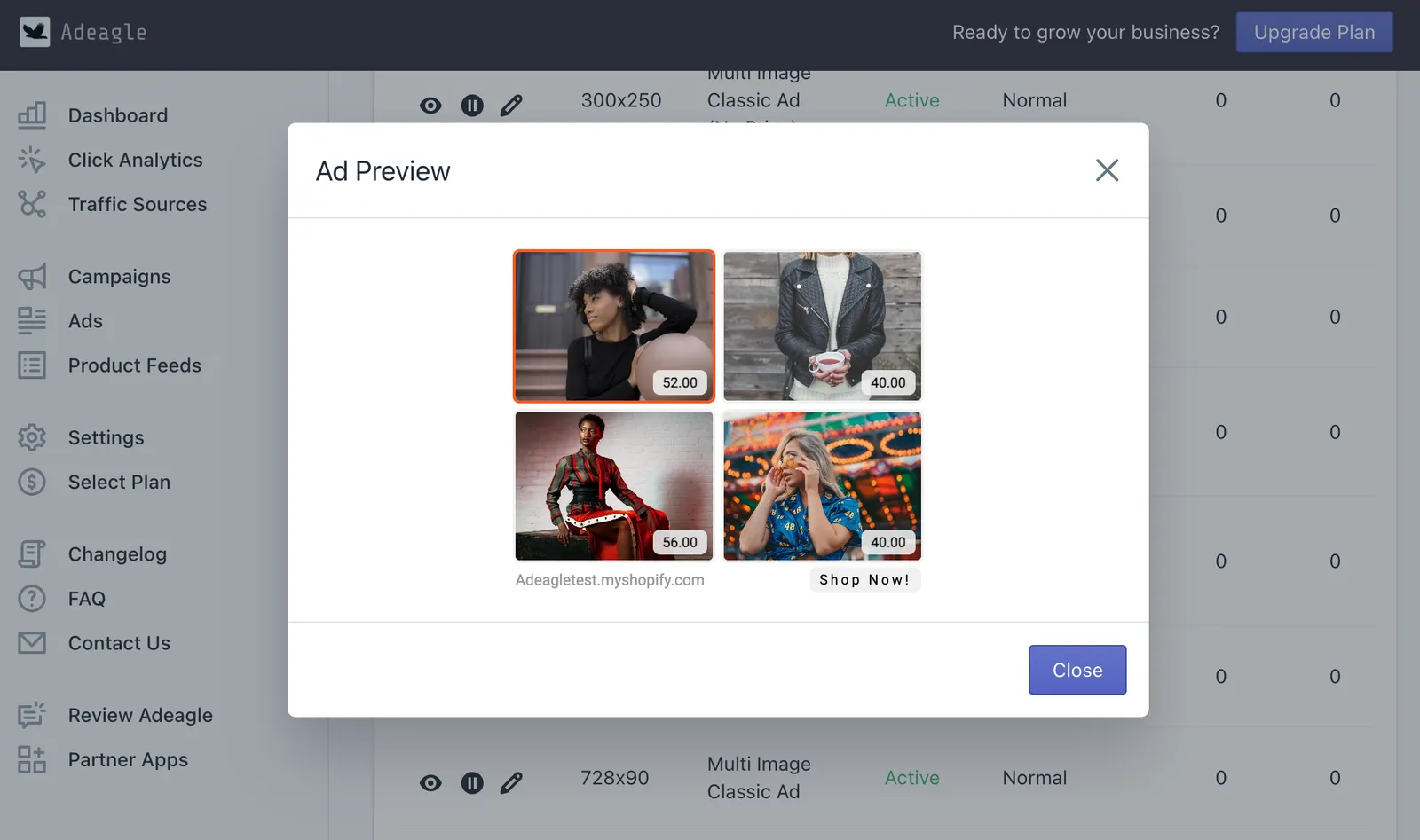
The Ads section was split in two - Product Feeds for products and their fields, and a new Ads section to preview, compare and prioritize every single banner.
1 min read#advertising #product-feeds -
 Changelog
Preview your ads
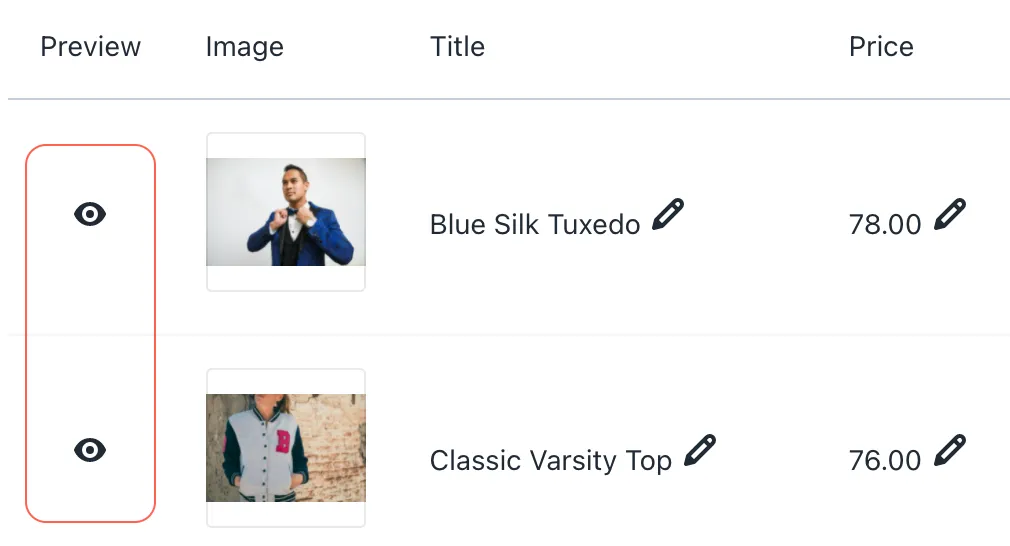
You can now preview each of your ads in the Ads section and see exactly how it will look to shoppers before it is shown in partner stores and on websites.
1 min read#advertising - Changelog
Customize the title of your ad block
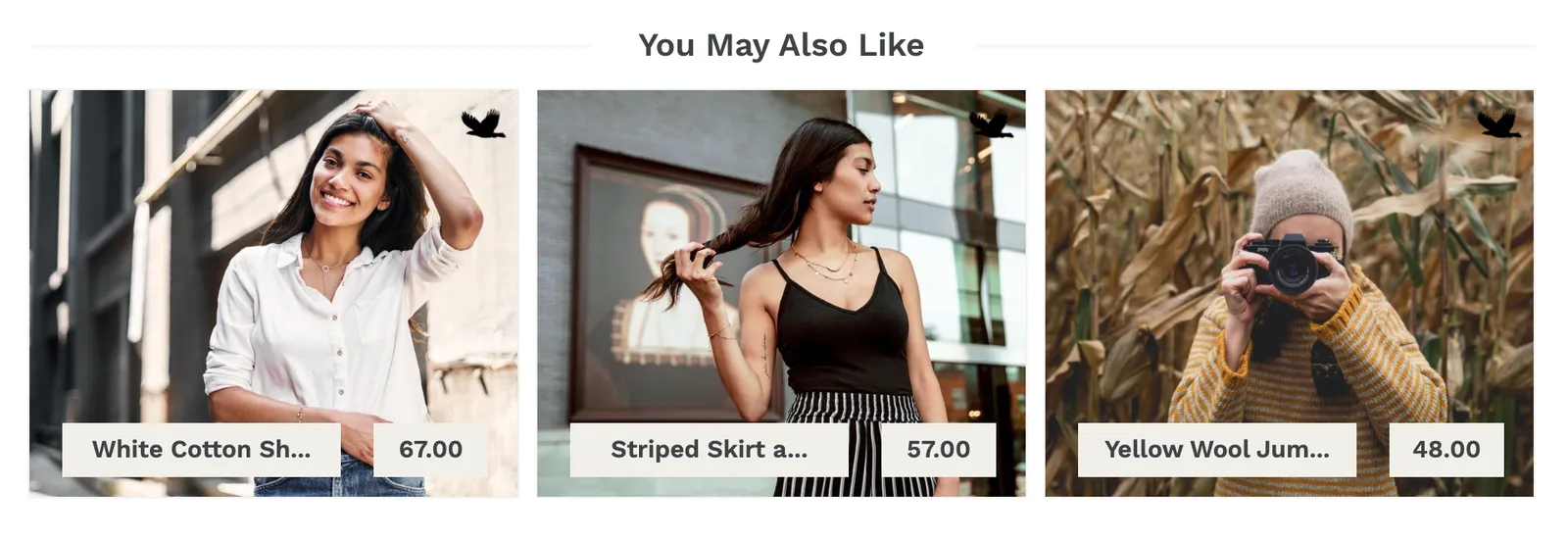
Native and banner ad blocks no longer have to say "You May Also Like". Set your own block title in Settings, in words that fit your store and your shoppers.
1 min read#advertising - Changelog
Customize your ads
A new Ads section lets you edit the image, title and price of each ad, see its impressions, clicks and CTR, and give the best performers a higher priority.
2 min read#advertising #campaigns -
 Changelog
New way of displaying ads in your store
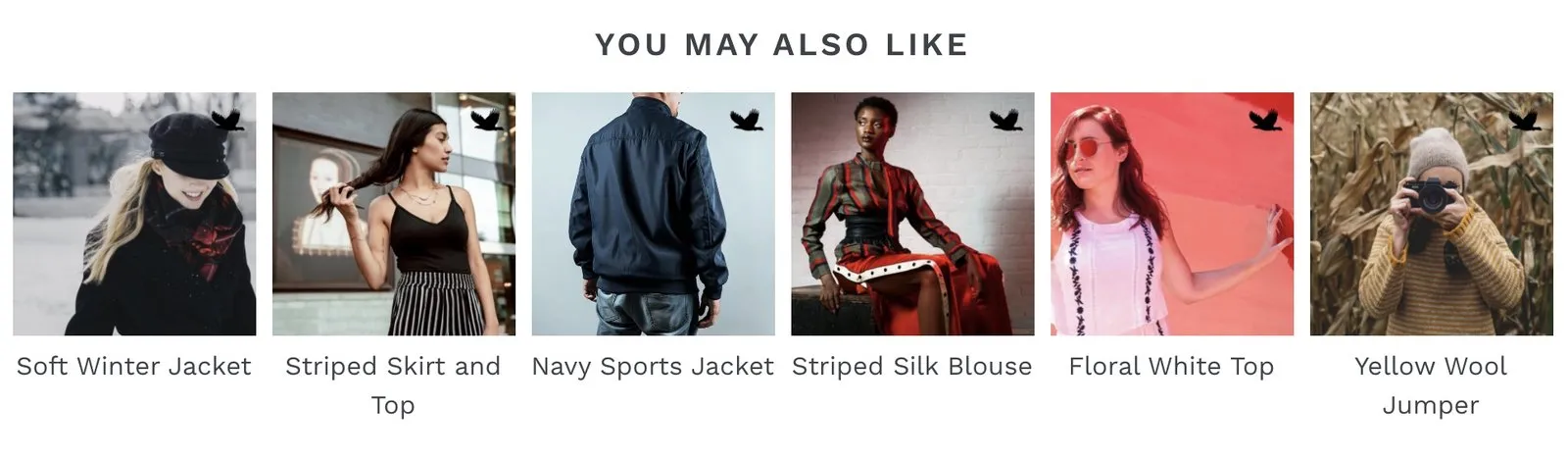
Native Ads show partner products in your store with only a photo and a name, in your store's own colours and fonts - a quiet way to join the ad exchange.
1 min read#advertising -
 Changelog
Customize ads on your website
If you take part in the ad exchange, you can now set the theme, font and border colours of the ads shown in your store, so they match your store's design.
1 min read#advertising - Changelog
Advertise on thematic websites
Adeagle ads now run on thematic websites as well as in partner stores, so you reach shoppers while they research a purchase, not only while they shop.
2 min read#advertising #ad-blocks - Changelog
Select countries you want to advertise in
Choose the countries you want to advertise in from Settings, and Adeagle shows your products mainly to shoppers in those countries. How it works.
1 min read#advertising #targeting - Changelog
New ways of displaying ads in your store
Next to Notification Ads, you can now show Banner Ads as a block at the bottom of your store pages - use one or both and earn more ad impressions in return.
1 min read#advertising #ad-blocks - Changelog
Ads Frequency
Choose how often partner ads appear in your store, from Maximum (about 90% of page views) to Minimum (about 10%), and what that means for the ad exchange.
1 min read#advertising #ad-blocks