
#Campaigns
Creating, editing and organising campaigns in Adeagle: which products go in, who sees them, and how to change many campaigns at once.
-
 Changelog
A faster campaign wizard with the budget built in
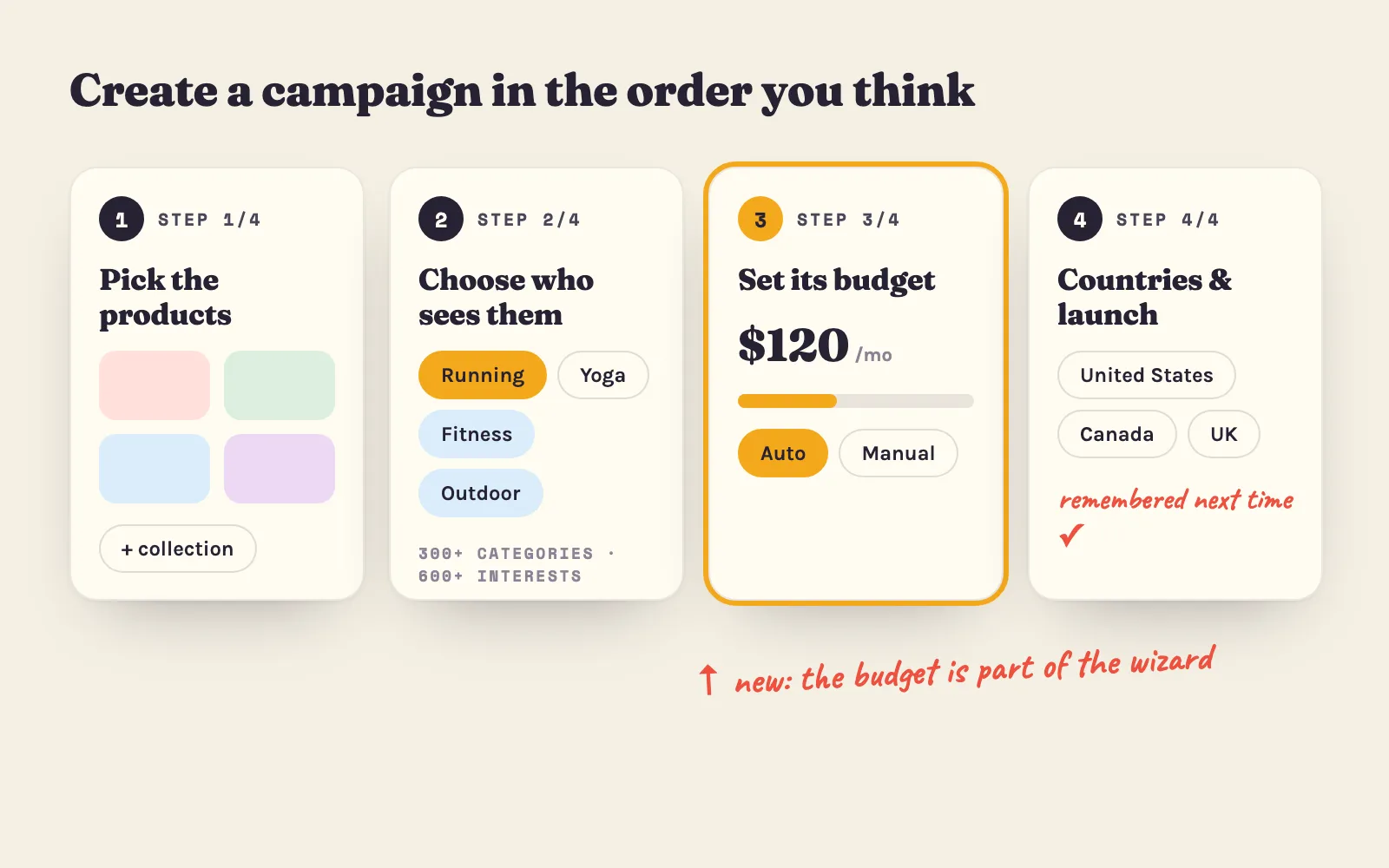
The campaign wizard was rebuilt - products first, then targeting, the budget set inside the wizard, easier categories and countries you pick only once.
3 min read#campaigns #budgets -
 Changelog
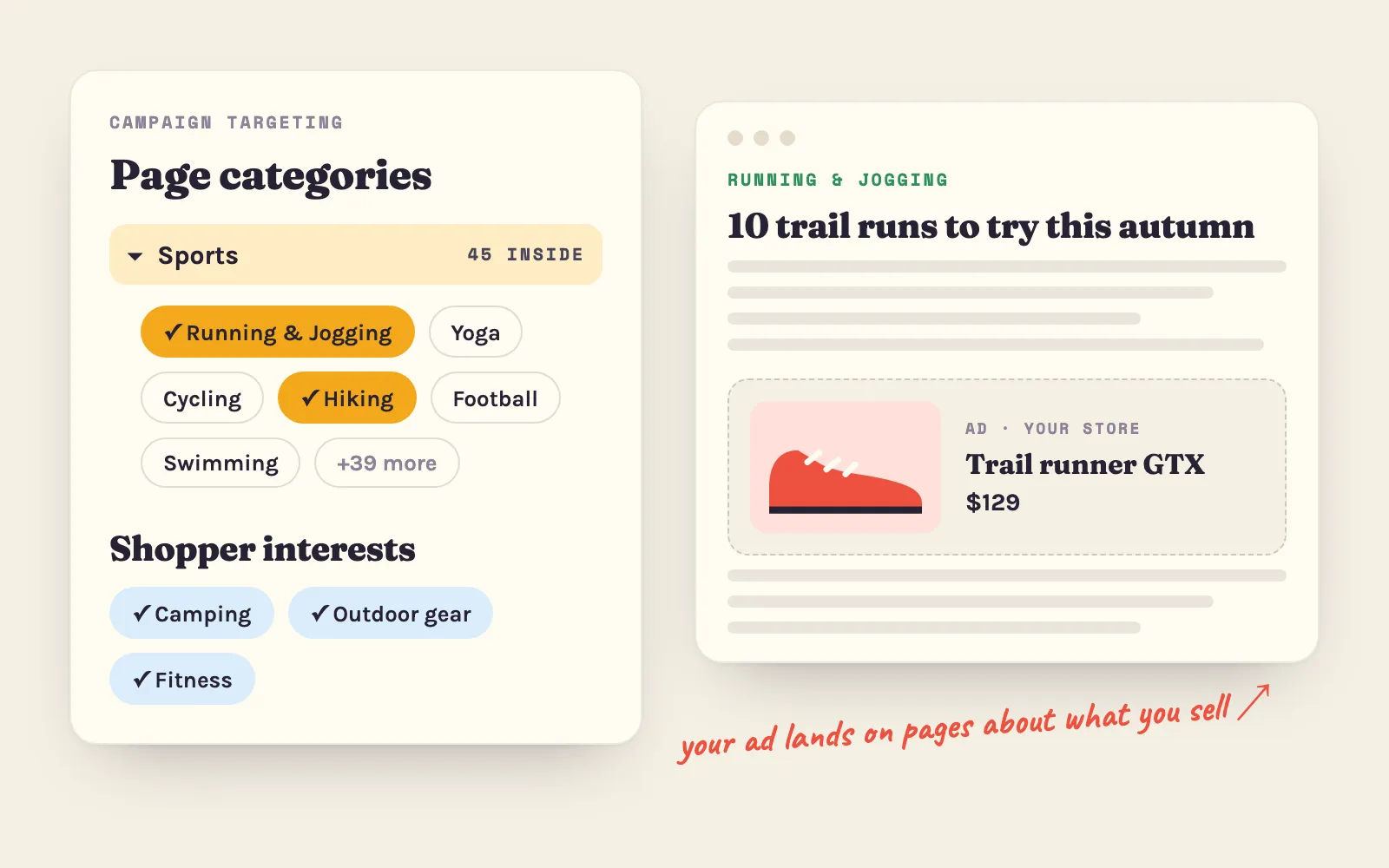
300+ page categories and 600+ shopper interests
Campaigns can now target 300+ page categories and 600+ shopper interests, picking several of each. What changed, how the two work together, and how to choose.
4 min read#targeting #campaigns -
 Changelog
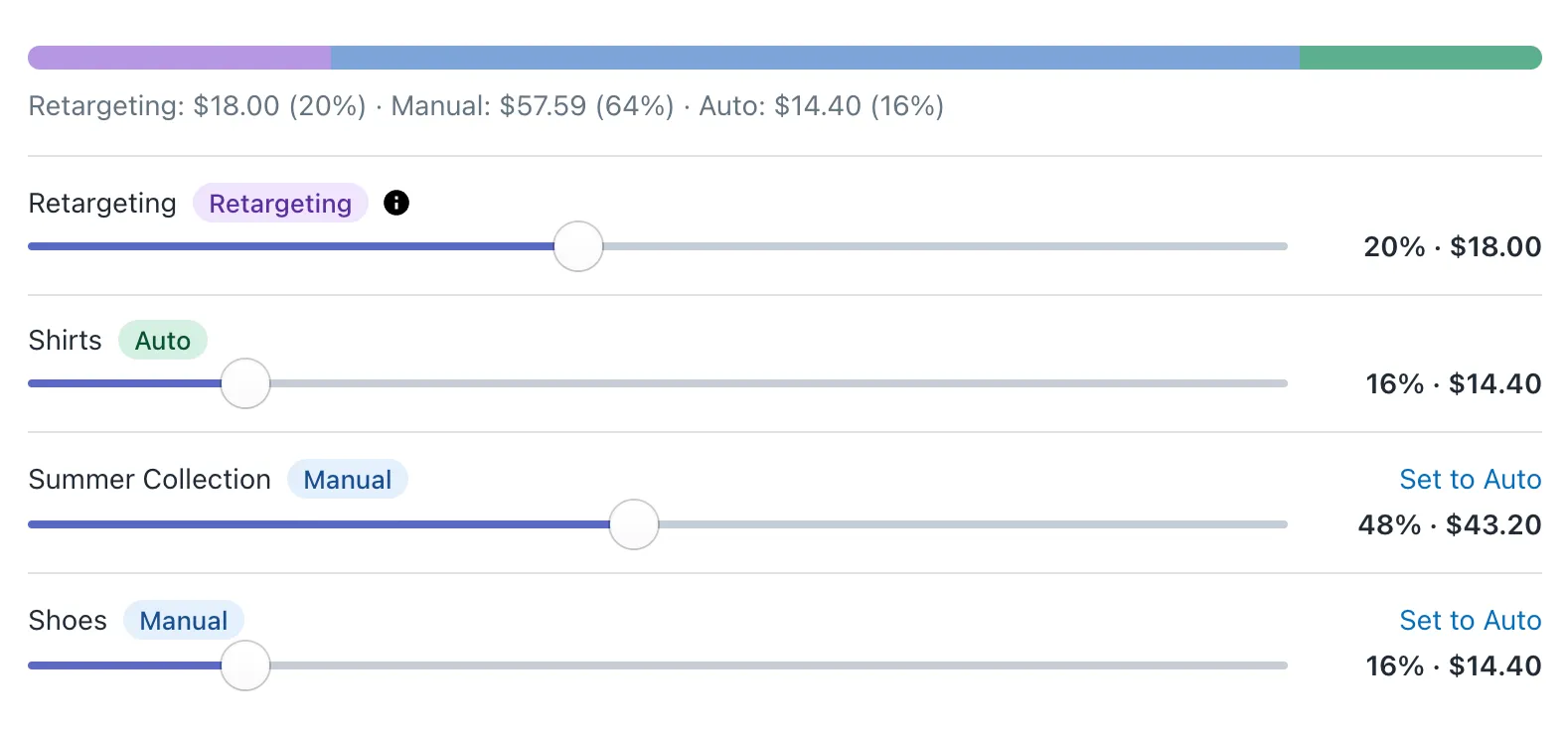
Every campaign now gets its own budget
Each campaign now has its own ad budget, Auto or Manual, your whole plan is always spent, and Ad Spend and ROAS show what each campaign earns. What changed.
6 min read#budgets #campaigns -
 Changelog
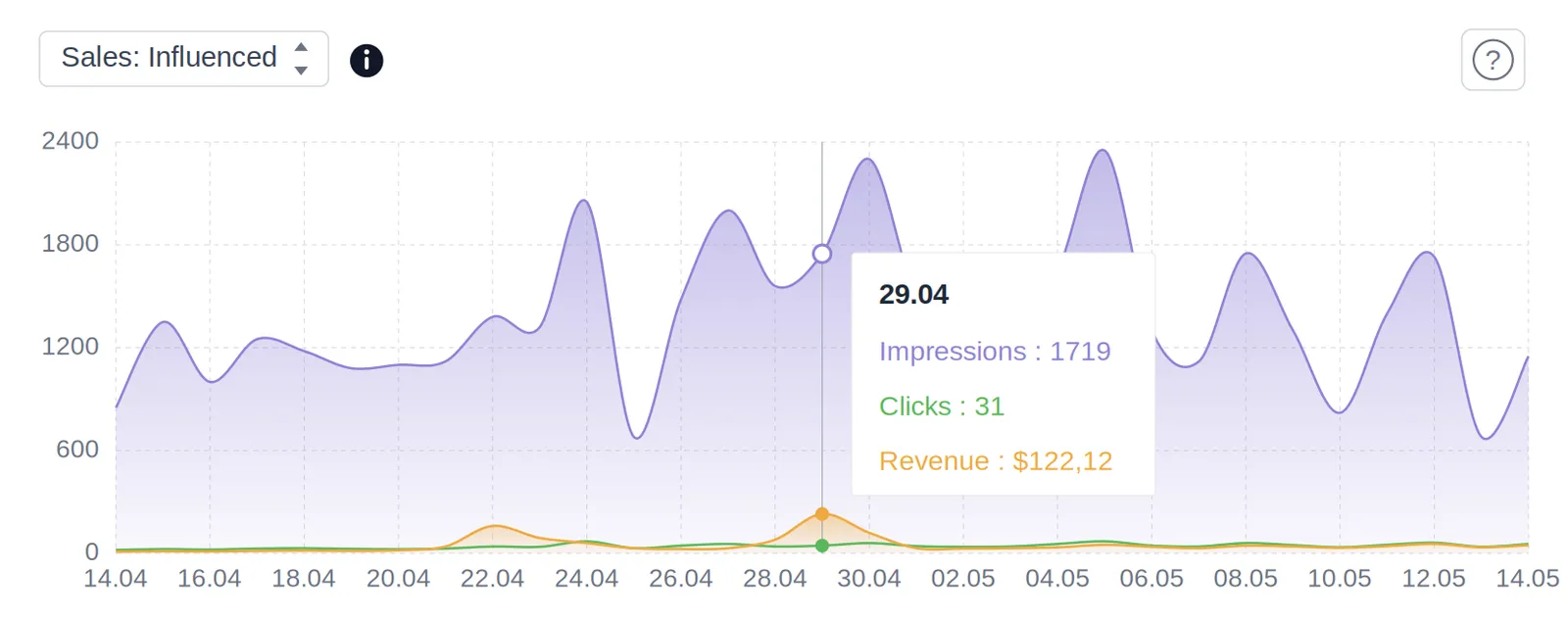
Track the revenue your ads generate: sales metrics on your dashboard
Your Adeagle dashboard now shows the orders and revenue your campaigns drive, next to impressions and clicks, so you see what your ads earn, not only what they do.
3 min read#analytics #campaigns -
 Changelog
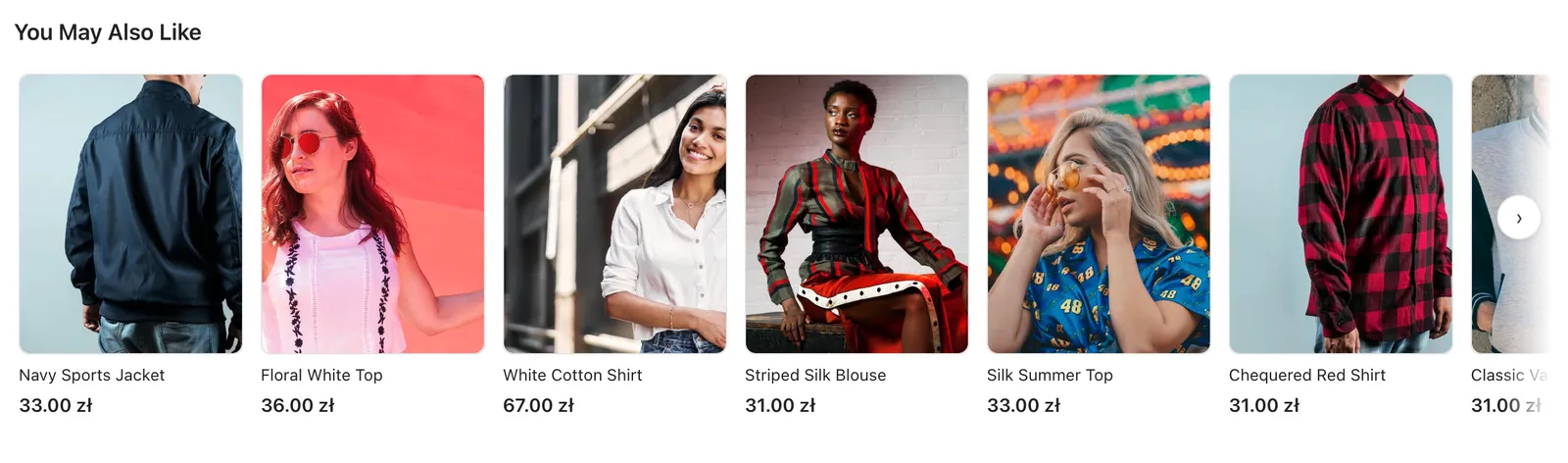
A Fresh New Look for Adeagle Ad Blocks
All ad blocks on the free Standard plan got a redesign - topbar, banner, native and notification ads now look cleaner and blend in with modern Shopify themes.
3 min read#ad-blocks #ad-exchange -
 Changelog
How we made Adeagle's ad network smarter with a dynamic blacklist
Most ad networks block low-CTR sites forever. Adeagle gives blocked placements a second chance, because performance changes. How the dynamic blacklist works.
2 min read#advertising #campaigns -
 Changelog
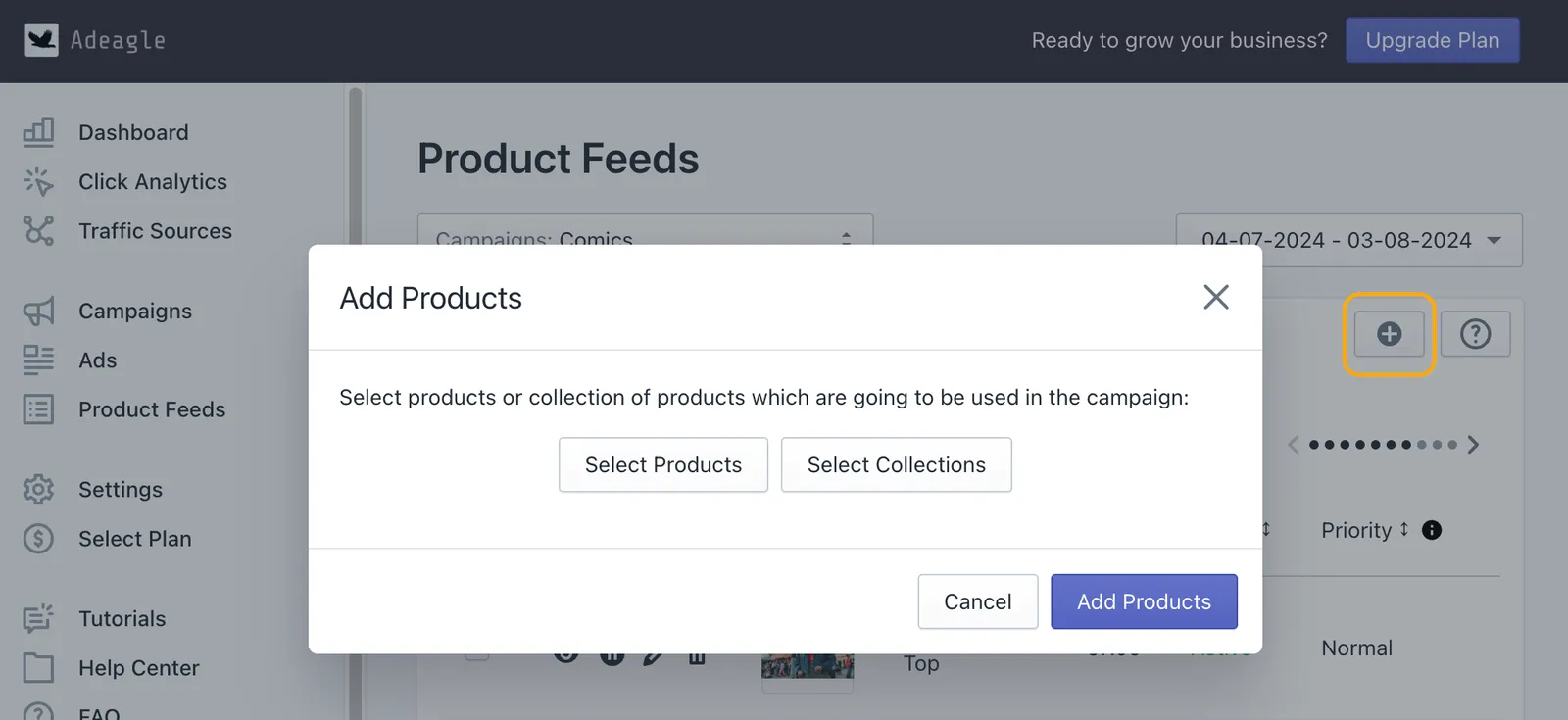
You can now add products to existing campaigns
Add products or whole collections to a campaign that is already running, from the Product Feeds section, with no need to create a new campaign. Step by step.
2 min read#advertising #campaigns - Changelog
Introducing bulk edit for campaigns, ads and product feeds
Bulk Edit lets you change many campaigns, ads or products at once - pause them, change priorities or edit banners - instead of one at a time. How it works.
2 min read#advertising #campaigns -
 Tutorials
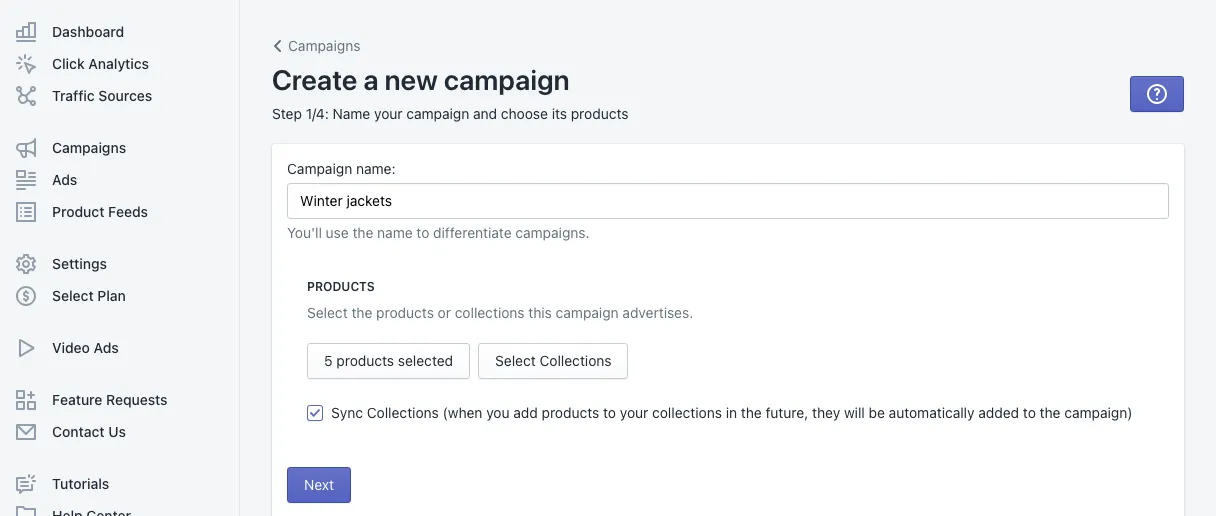
Create your first campaign
Create an Adeagle campaign in four steps - products, targeting, budget and countries - with what every field means and the tips that make a first campaign work.
4 min read#campaigns #targeting -
 Changelog
Introducing AI campaign optimization 2.0
AI Campaign Optimization 2.0 shows each change it makes to your ads and products in the app, and its improved algorithm raises the CTR of your campaigns.
2 min read#advertising #ai-optimization -
 Marketing
Promoting your Shopify store: a complete guide
Ways to promote a Shopify store - social media, SEO, email, content, influencers and ad networks - with what each one takes and the results you can expect.
10 min read#advertising #campaigns -
 Tutorials
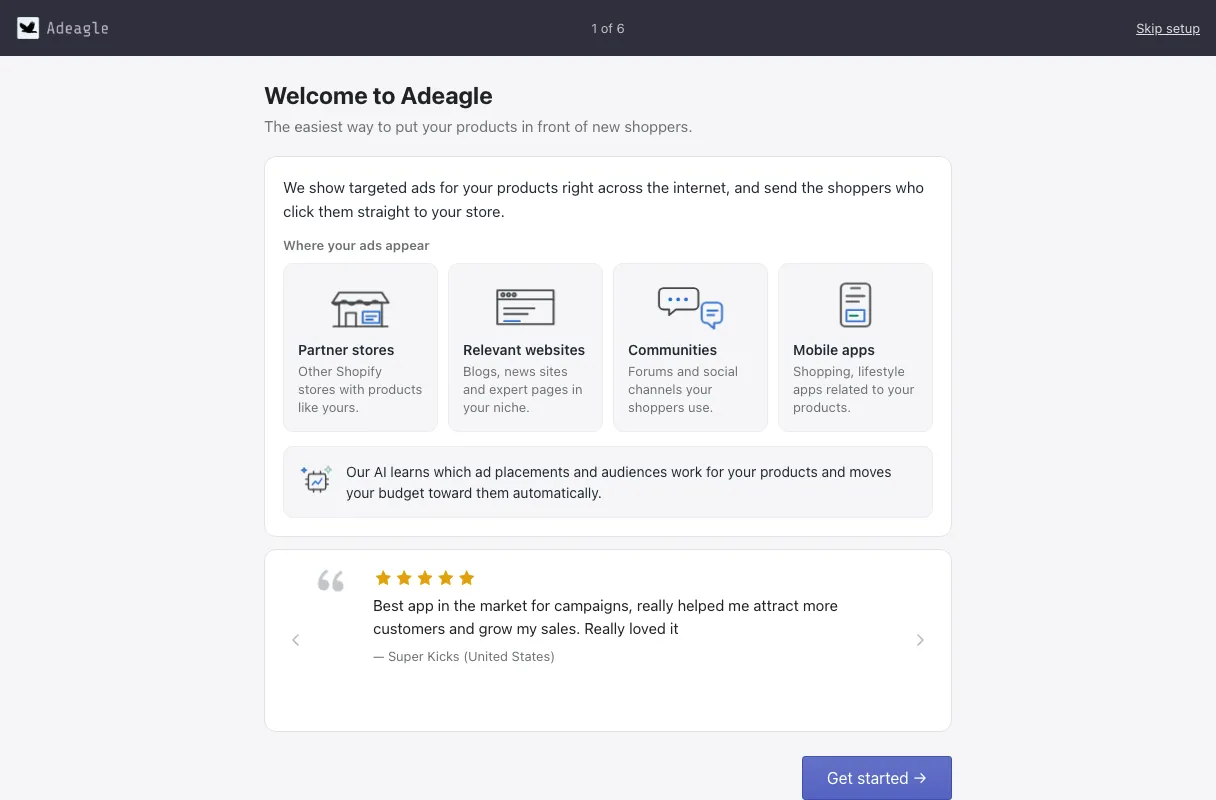
Getting started with Adeagle
New to Adeagle? Install the app, answer a short setup, choose a plan and launch your first campaign - then know what to check in your first weeks.
4 min read#campaigns #targeting -
 Changelog
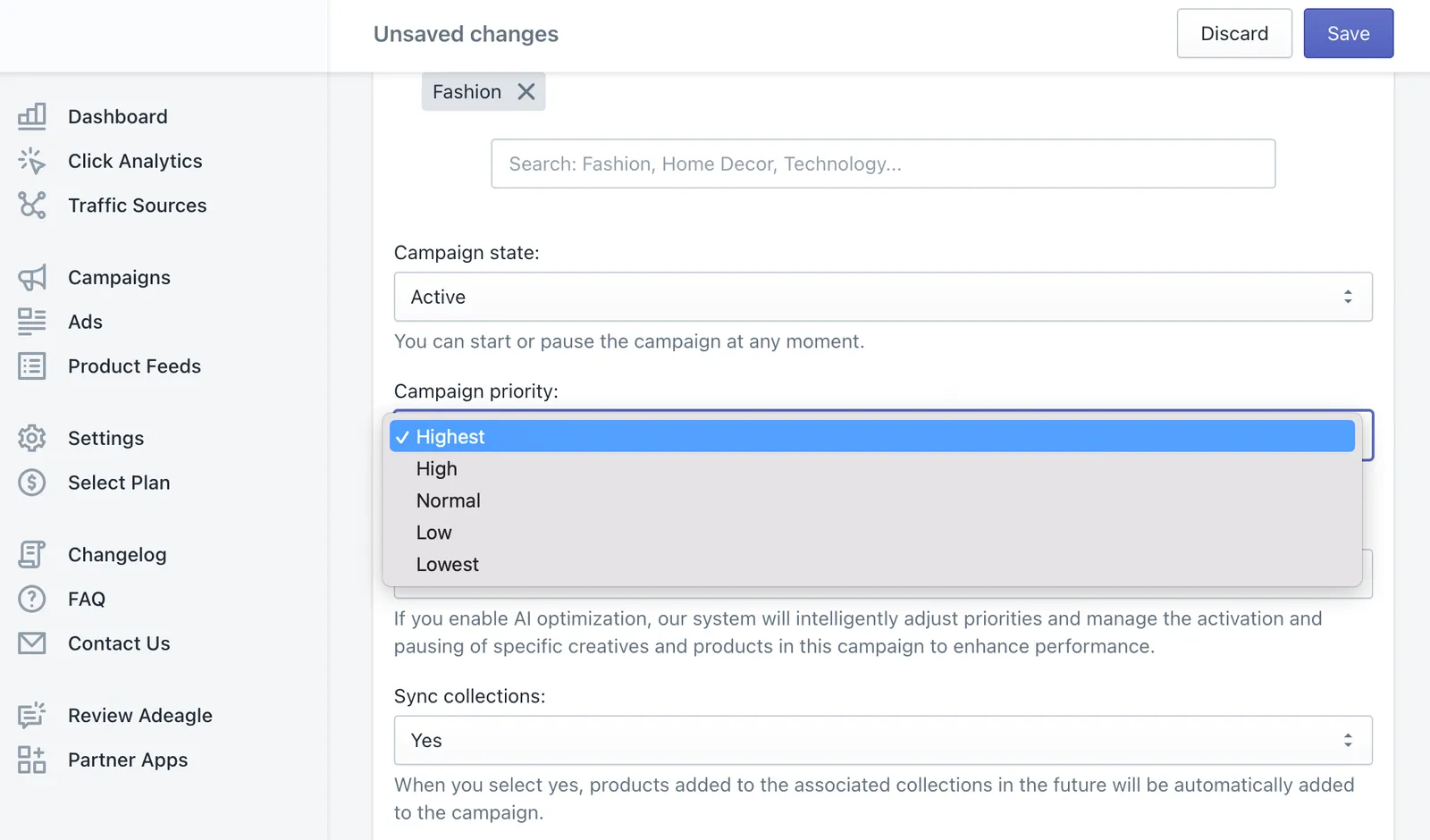
Introducing campaign prioritization
Set a priority on a whole campaign, not only on its ads and products - the higher the priority, the more impressions the campaign gets from your pool.
1 min read#campaigns #priorities - Changelog
Customize your ads
A new Ads section lets you edit the image, title and price of each ad, see its impressions, clicks and CTR, and give the best performers a higher priority.
2 min read#advertising #campaigns