From the feedback we gathered among our users, we found out that a lot of you were looking for more ways to control the look and feel of your ads. That’s why we added a new section in our app where you will be able to configure every single ad you serve with the help of Adeagle.
If you’re curious, you can head to the Ads section and there, for each campaign, you will be able to change the image of your ad, the title and the price. Moreover, you can now monitor the number of impressions and clicks each particular ad received along with its CTR. Apart from that, you are also able to set the priority of each ad to boost the best performers.
The Campaigns section was changed as well: to better showcase ads in each campaign and general statistics like the number of impressions, clicks and CTR of each campaign.
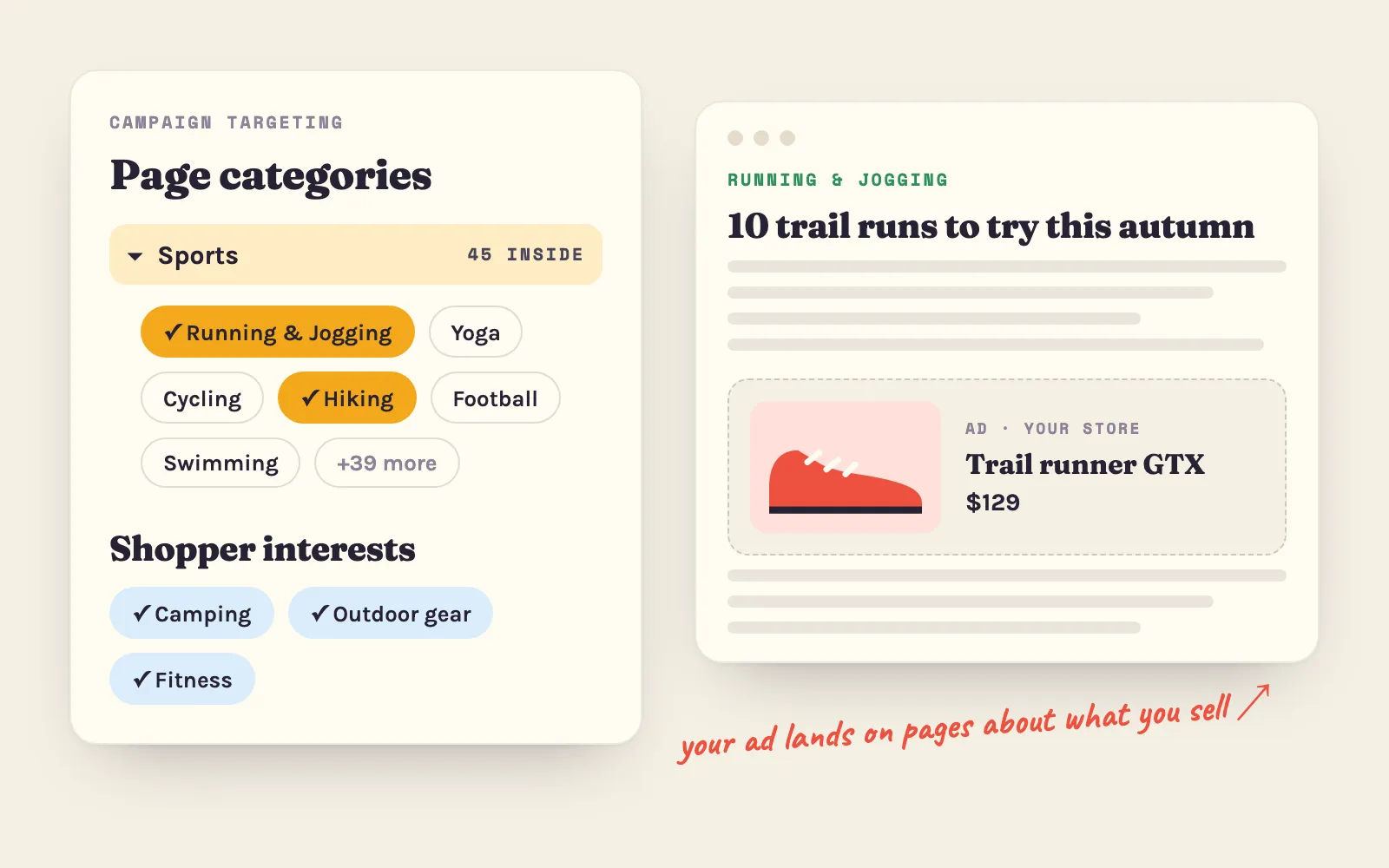
Along with these changes we decided to focus all our efforts on the Adeagle Ad Network: ads in partner stores and on thematic websites. This is where our users’ attention is, and where we can deliver the best marketing performance for your campaigns.
These new changes reflect our new strategy for Adeagle, where our main goal is to deliver the best marketing performance to our users. A lot of new features is on the way, so stay tuned for more!
Questions
Yes. Since November 2023 you do this in the Product Feeds section, and the Ads section lets you preview, compare and pause each banner.
In partner Shopify stores, on thematic websites and blogs, on forums and marketplaces, and in mobile apps and games.