
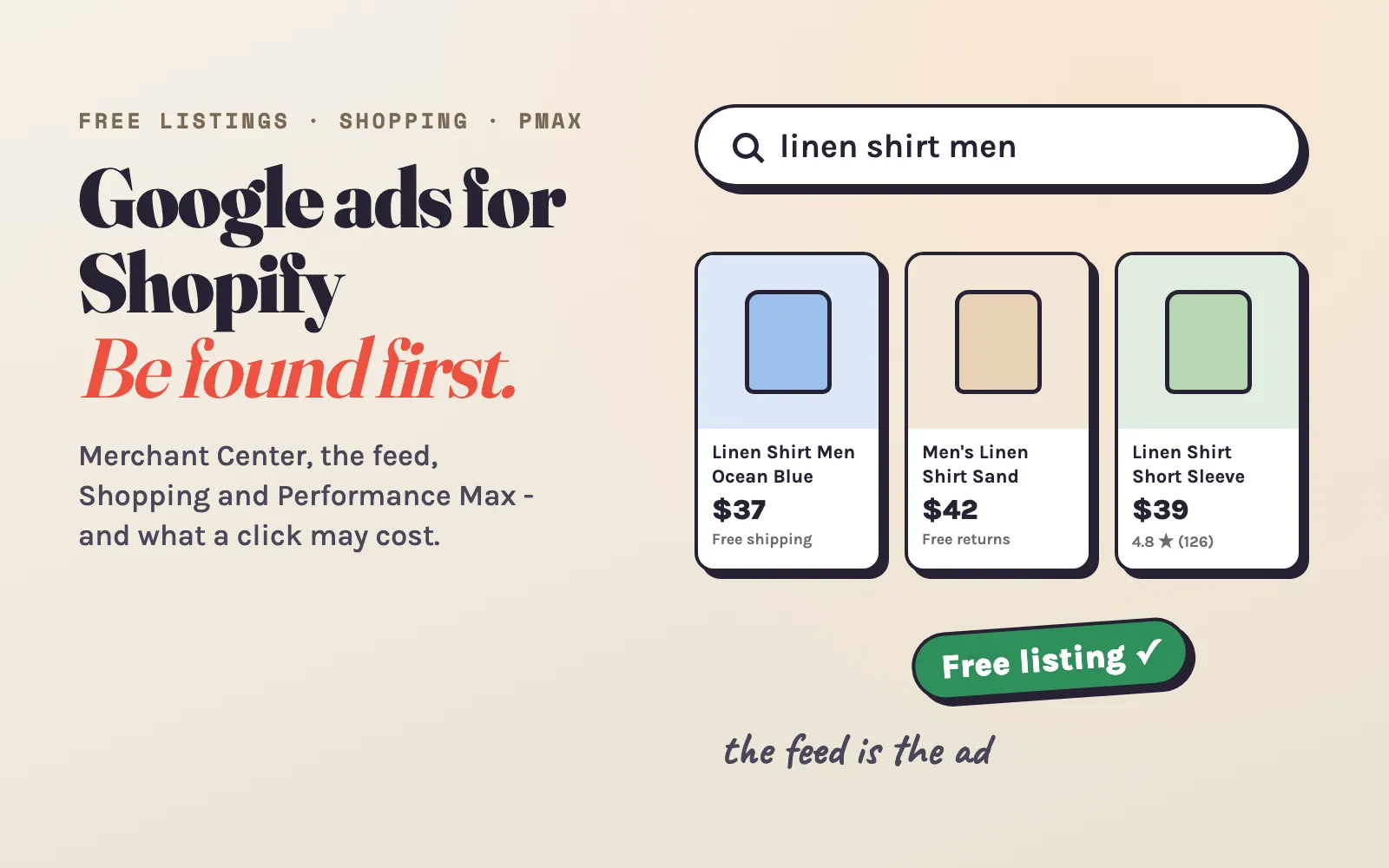
When people already know what they want, they go to Google. They type “linen shirt men” or “replacement filter for…”, see a row of products with photos and prices, and click the one that fits. If your store sells things people search for, these are the best visitors you can get - they are ready to buy. And part of it is free.
This guide shows you how to use it, step by step: whether Google fits your store, the free listings, Google’s rules for stores, how to make your product data sell, your first Shopping or Performance Max campaign, Search ads, what it all costs, and how to check that it’s working.
Is Google right for your store?
Google catches demand that already exists. That makes it the opposite of social ads, which create demand:
| Fits well | Fits less well |
|---|---|
| Products people search for by name, type or brand | New products nobody knows to search for yet |
| Spare parts, supplies, refills, known brands | Impulse buys that sell on a video |
| Clear product photos and specific product names | Products that need a story to make sense |
| Prices that hold up next to competitors in the results | Prices well above the same product elsewhere |
Most stores end up using both: social ads make people aware, and many of them later search on Google. See Facebook ads vs Google ads and our Facebook ads for Shopify guide.
What Google ads cost in 2026
Step 1: Install the Google & YouTube app
Google’s own Shopify app connects everything:
- Install Google & YouTube (by Google) from the Shopify App Store.
- Connect your Google account, then a Google Merchant Center account (the app can create one) and a Google Ads account.
- Let the app sync your products to Merchant Center - titles, descriptions, photos, prices, stock - and keep them up to date.
- Turn on conversion tracking: the app adds the Google tag, so Google Ads sees purchases.
- Optionally connect Google Analytics.
Step 2: Get the free listings working
Approved products can appear in free listings on Google’s Shopping tab and other Google surfaces - no cost per click. It is the best first step for every store: you learn which products get clicks and which searches find them, before you pay for anything.
In Merchant Center, check the Products → Needs attention list after the first sync and fix every disapproval. Then give it two weeks and look at the clicks per product.
Step 3: Meet Merchant Center’s rules
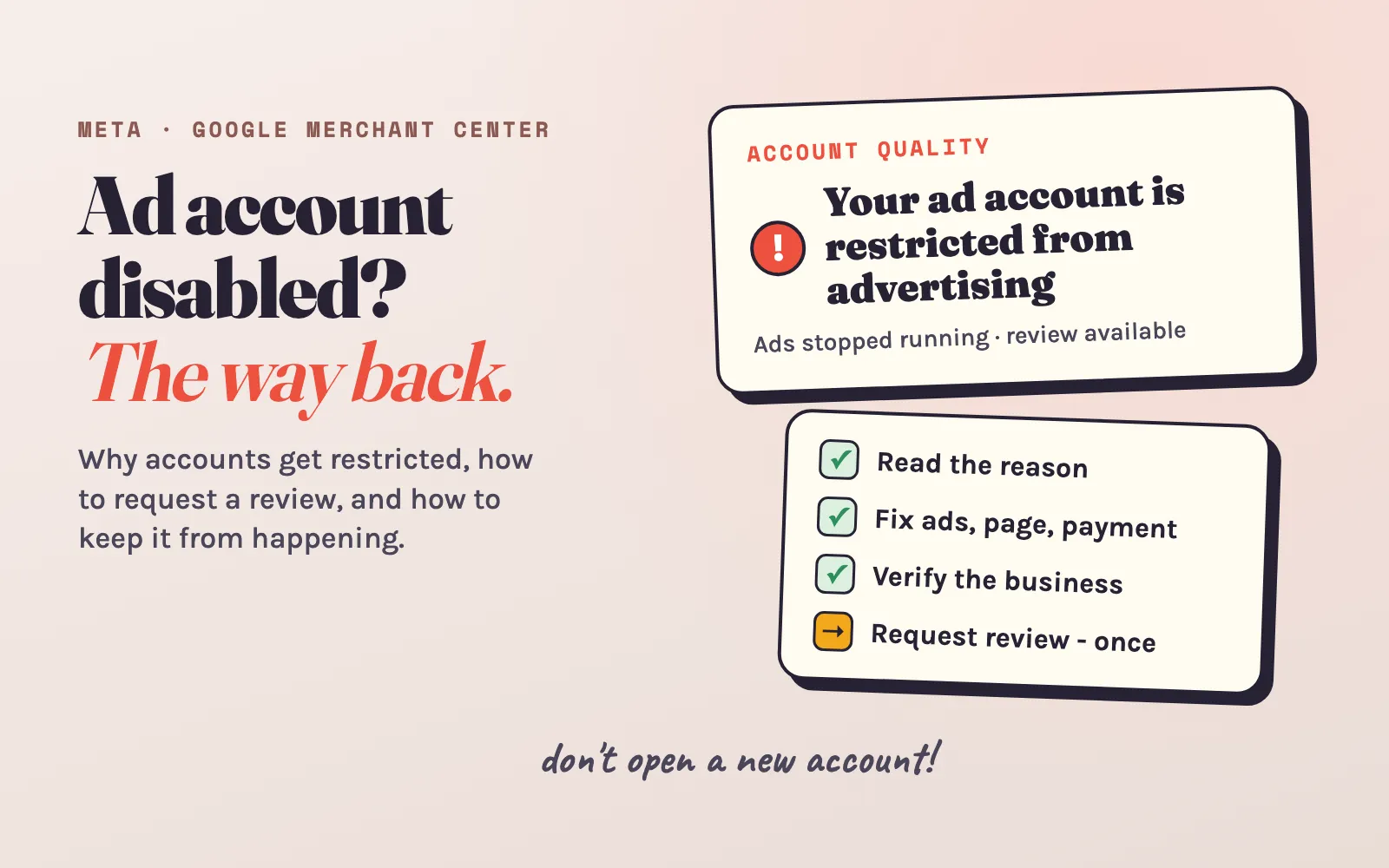
Merchant Center reviews your store, not just your products. The misrepresentation policy is the reason most Shopify stores lose their listings: serious cases are suspended “upon detection and without prior warning”, others get at least 7 days’ notice, reviews typically take 7 business days, and accounts are reinstated “only in compelling circumstances” - and a suspension stops Shopping and Performance Max ads with it.
Before you advertise, make sure the store has:
- A return and refund policy that is easy to find, with real terms.
- Contact details - an email, ideally an address and phone number - that match the business.
- Shipping costs and times stated clearly, and the same in Merchant Center.
- Prices and stock that match the feed at checkout.
- Secure checkout (Shopify’s is) and no claims you can’t back up.
If it happens anyway: what to do when an ad account or Merchant Center is suspended.
Step 4: Make the feed sell
On Shopping, there is no ad copy - the product feed is the ad. Google matches searches to your product titles and shows your photo and price. Small feed changes often move more than bid changes:
| Field | What to do | Example |
|---|---|---|
| Title | The words people search, most important first: brand, product type, key attribute, size or colour | “Ocean Blue Linen Shirt for Men - Short Sleeve” instead of “Ocean Blue” |
| Image | The product alone on a plain background, no text or logos over it | A clear front view |
| GTIN / barcode | Add it for branded products; Google uses it to match listings | The barcode number from the packaging |
| Brand, colour, size | Fill them in - they become search filters | Brand: your store’s name for own products |
| Product category | Google’s category for the product | Apparel & Accessories > Clothing > Shirts & Tops |
| Price and sale price | Exactly as on the store, including sales |
Edit titles and descriptions in Shopify (or in the app) so the store and the feed stay the same.
Title formulas that work by category
| Category | Formula | Example |
|---|---|---|
| Apparel | Brand + gender + product + material/style + colour + size | “Northline Men’s Linen Shirt Short Sleeve Ocean Blue M” |
| Beauty | Brand + product + key ingredient or benefit + size | “Glowfix Vitamin C Serum Brightening 30 ml” |
| Electronics | Brand + product + model + key spec | “Voltra USB-C Charger 65W GaN 3-Port” |
| Home | Brand + product + material + size + colour | “Oakden Cotton Throw Blanket 130x170 cm Sage” |
| Pet supplies | Brand + product + for which pet + size/flavour | “Pawly Grain-Free Dog Treats Salmon 200 g” |
| Spare parts | Brand + part + compatible model + part number | “Filterpro Water Filter for Brand X Fridge 12345” |
Up to 150 characters are allowed; the first 70 or so show in most places, so the most important words go first.
Free extras in Merchant Center
- Shipping and returns settings - free shipping or free returns can show as annotations next to your price.
- Promotions - a discount code or offer set up in Merchant Center can appear with the product in eligible countries.
- Product reviews and store ratings - once you collect enough reviews through a supported program, stars can appear on your listings.
Step 5: Your first paid campaign - Performance Max or Shopping
The Google & YouTube app creates Performance Max campaigns: one budget, your whole catalog, shown across Search, Shopping, YouTube, Gmail, Discover, Maps and partner sites. Google’s automation picks where each product shows.
| Performance Max | Standard Shopping | |
|---|---|---|
| Where | All Google inventory | The Shopping results |
| Control | Little: budget, goal, product groups, assets | Products, bids, negative searches |
| Learning | Needs a few weeks of conversions | Works from the first clicks |
| Best for | Most stores starting out, from the Shopify app | Stores that want to steer products and searches |
To start:
- Budget: a daily amount you can keep for four weeks; remember a single day can spend twice that.
- Goal: maximize conversion value - and set a target return (tROAS) only once the campaign has a few weeks of sales.
- Products: all, or the best sellers first if the budget is small.
- Assets: a few images, a logo, short headlines and - if you have one - a video, or Google will make one.
Step 6: Know your highest cost per click
Before you raise bids, know what a click may cost you. An order earns your order value × margin; a click turns into an order at your conversion rate - so the most a click may cost is the product of the three:
- Profit per order
- $36before ads
- Typical Shopping click
- $0.61-0.662025-26
- Typical Search click
- $1.16+ecommerce
Shopping fits, Search is tight. Up to $0.72 a click covers typical Shopping clicks (about $0.66) but not most Search clicks.
What each budget can do
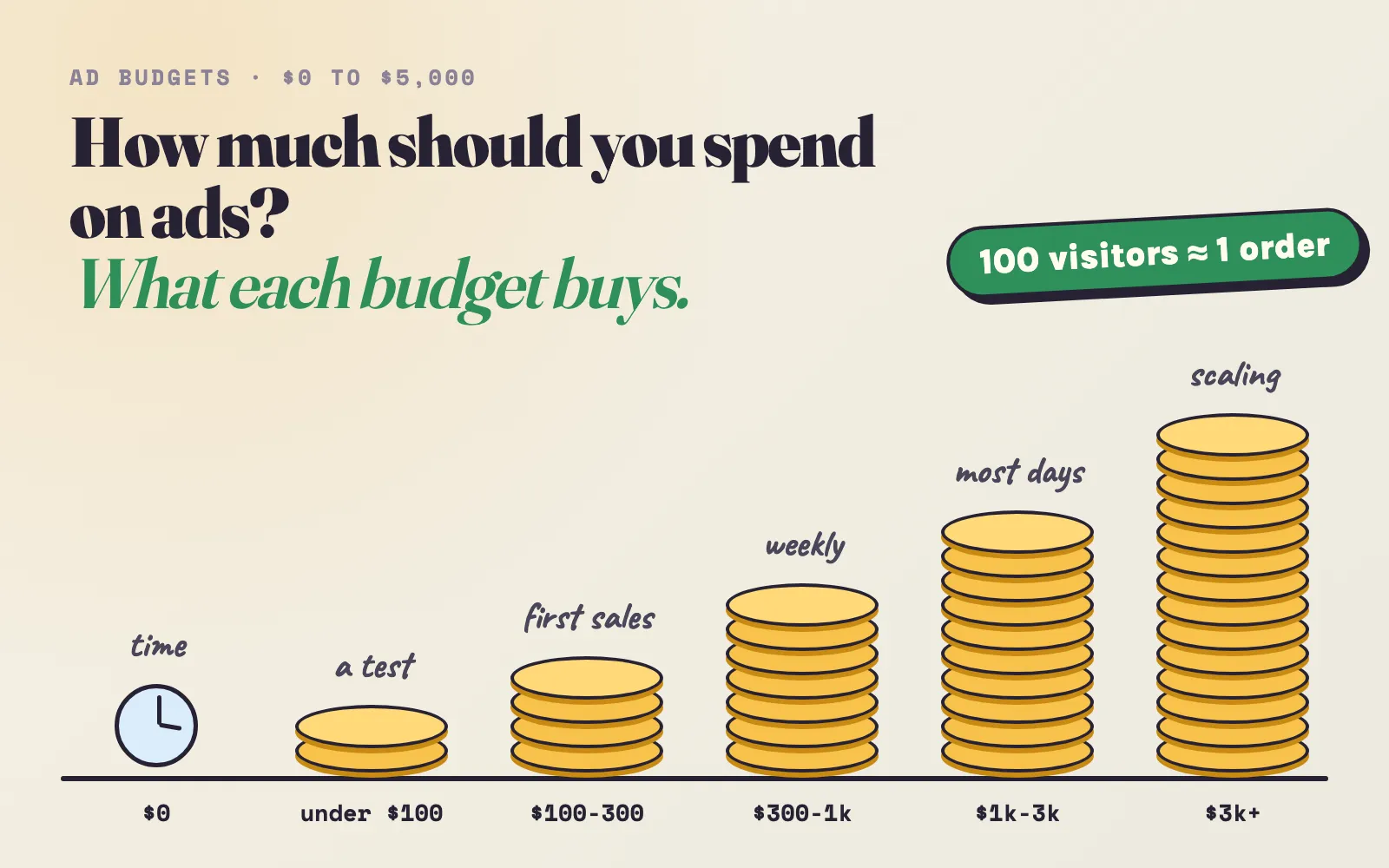
At about $0.66 a Shopping click and 2% of visitors buying (one order per $33 of ads), this is what a daily budget realistically does:
| Daily budget | A month | Visits a month | Orders a month | How to run it |
|---|---|---|---|---|
| $10 | $300 | ~450 | ~9 | Best sellers only, in one Shopping or Performance Max campaign |
| $30 | $900 | ~1,350 | ~27 | Whole catalog in Performance Max; a small brand Search campaign |
| $100 | $3,000 | ~4,500 | ~90 | Split by margin or best sellers; set a target return once stable; add high-intent Search |
A month can bill up to 30.4 × the daily budget; individual days vary. Put your own order value and margin into the calculator below, and plan the total with the ad budget calculator.
A 30-day plan
- Connect and clean. Google & YouTube app installed, Merchant Center linked, policies and contact details on the store, every disapproved product fixed.
- Free listings only. Improve titles and photos of the products that get impressions but few clicks. Note which products and searches get attention.
- First paid campaign. Performance Max (or Standard Shopping) on the products the free listings proved; a small brand Search campaign.
- Read and adjust. Search terms report: add negatives. Products with spend and no sales: exclude or fix the page. Cost per order against your limit.
Step 7: Search campaigns - brand and high-intent words
Shopping and Performance Max cover most product searches. Two kinds of Search campaign add to them:
- Your brand name. Cheap clicks, and it keeps competitors from buying your name. Small budget, exact match.
- High-intent words where you can compete on price: “buy …”, ”… for sale”, model numbers. Start with a few exact keywords and add negative keywords (free, cheap, DIY, jobs) as the search terms report shows waste.
Generic words (“shirts”) are expensive and convert poorly for small stores - leave them to Shopping.
Reading the reports: where the money goes
Google’s reports answer three questions. Check them weekly in the first months:
| Report | Question it answers | What to do |
|---|---|---|
| Search terms (Search, Standard Shopping; Performance Max insights) | Which searches triggered the ads? | Add irrelevant ones as negatives |
| Products (Shopping, Performance Max) | Which products spend and which sell? | Exclude products that spend without selling, or fix their page or price |
| Merchant Center diagnostics | Which products or settings have problems? | Fix disapprovals and warnings before they become a suspension |
| Conversions by campaign | Where do the sales come from - brand or new searches? | Judge non-brand on its own |
Measuring: Google’s numbers vs your Shopify orders
Google Ads counts conversions with the Google tag, using its attribution model - by default data-driven, spreading credit across the ads a shopper clicked. It also counts orders that would have happened anyway, especially on brand searches.
- Compare with Shopify: orders from
utm_source=google/google_shoppingin Shopify’s reports. - Separate brand and non-brand - brand clicks look great because those shoppers already wanted you.
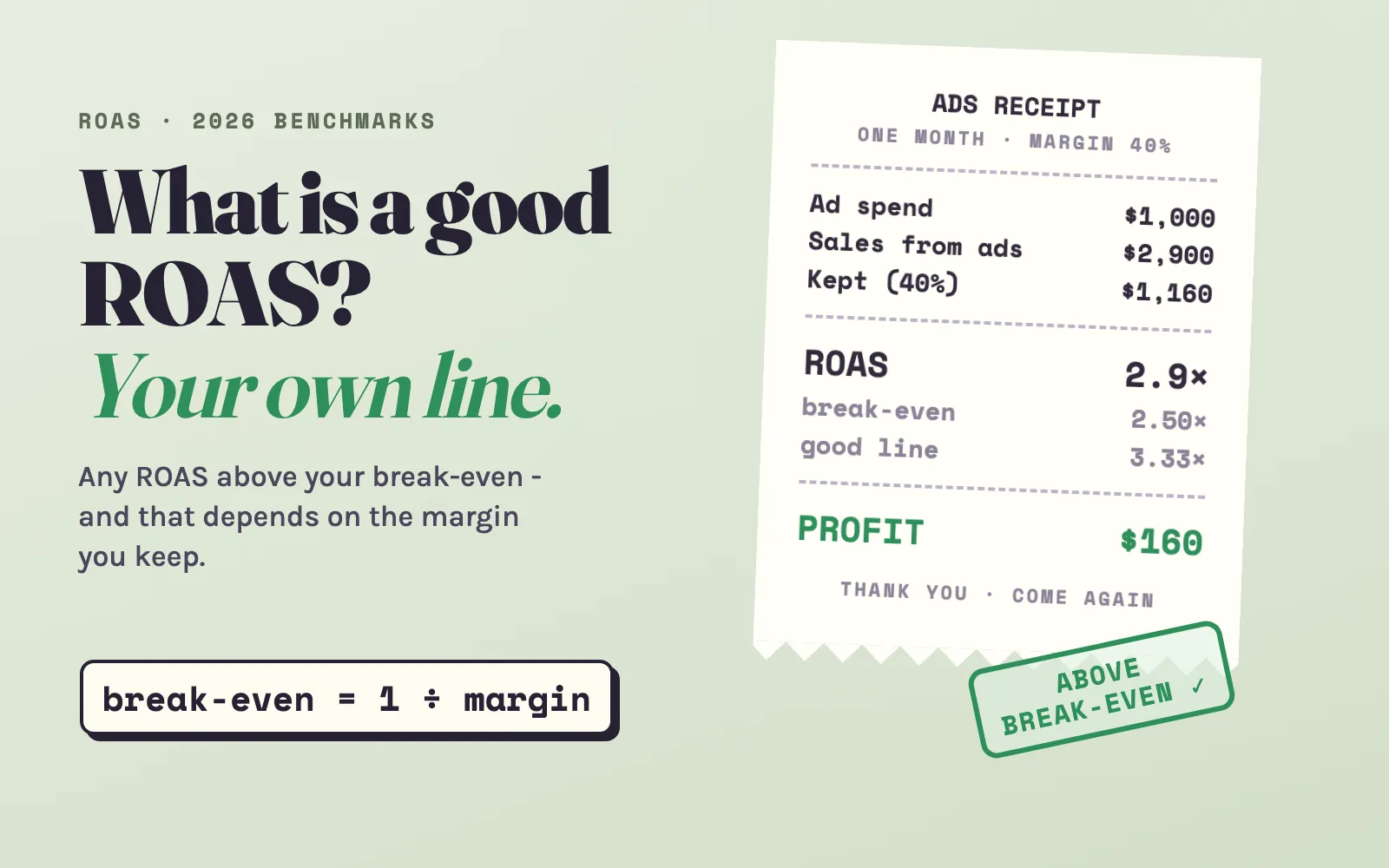
- Judge by total sales over weeks, and by ROAS against your break-even - see what is a good ROAS.
- Use the free listings as a baseline: products that sell free may need less paid support.
Scaling, and adding Bing
- Raise budgets in steps of 20-30% a few days apart, so the campaign keeps learning instead of restarting.
- Split products by margin or best sellers into separate groups or campaigns when one budget can’t serve them all.
- Add YouTube or Demand Gen once Shopping works, to reach people before they search.
- Copy to Bing: Microsoft’s Shopify app syncs the same feed to Microsoft Merchant Center, with free Bing Shopping listings; clicks are often cheaper. See Google ads vs Bing ads.
Mistakes that cost the most
- Skipping the free listings - the cheapest way to learn what sells.
- Weak product titles - “Ocean Blue” matches nothing anyone types.
- Ignoring Merchant Center warnings until the account is suspended.
- Prices or shipping in the feed that differ from checkout.
- Broad Search keywords without negatives.
- Judging Performance Max after a week.
- Counting brand-search sales as new sales.
Where Google fits in a store’s mix
Google is the channel for shoppers who already look. The ones who don’t search yet - and the visitors who left without buying - are reached elsewhere: social apps to find them, retargeting to bring them back. Display ads on the open web do both on a fixed budget; see Adeagle vs Google ads for how the two split the job, and the compare section for every channel side by side.
Sources: Google Ads Help (average daily budgets; Performance Max); Google Merchant Center Help (misrepresentation policy); cost benchmarks compiled in how much ads cost on each platform (Store Growers, LocaliQ/WordStream, Smarter Ecommerce); Google’s Google & YouTube app listing on the Shopify App Store.
Questions
Yes, when people search for your products or their category by name - the clicks come from shoppers ready to compare and buy. Start with the free listings; they show you which products and searches get attention before you pay.
There is no minimum budget. Google Shopping clicks cost about $0.61-0.66 on average and Search clicks about $1.16-4.14 in shopping categories. A campaign can spend up to twice its daily budget on one day, but no more than 30.4 times it in a month.
Performance Max shows your products across Search, Shopping, YouTube, Gmail, Discover and partner sites with one budget and learns automatically - the default in Shopify's Google app. Standard Shopping gives more control over products and searches. Many stores start with Performance Max and add Standard Shopping when they want to steer.
Install the Google & YouTube app, connect a Merchant Center account and sync your products. Once they are approved, they can appear in the free listings on the Shopping tab and other Google surfaces.
Most often for misrepresentation: missing return policy or business details, prices or stock that don't match the store, unrealistic claims. Fix the cause on the store, then request a review - reviews typically take 7 business days.
Search and Shopping can bring orders in the first days; Performance Max needs a few weeks to learn which products and placements sell. Judge it after three to four weeks.
Once Google Shopping works, yes - Microsoft's Shopify app syncs the same feed to Bing, with free listings too, and clicks there are often cheaper.