
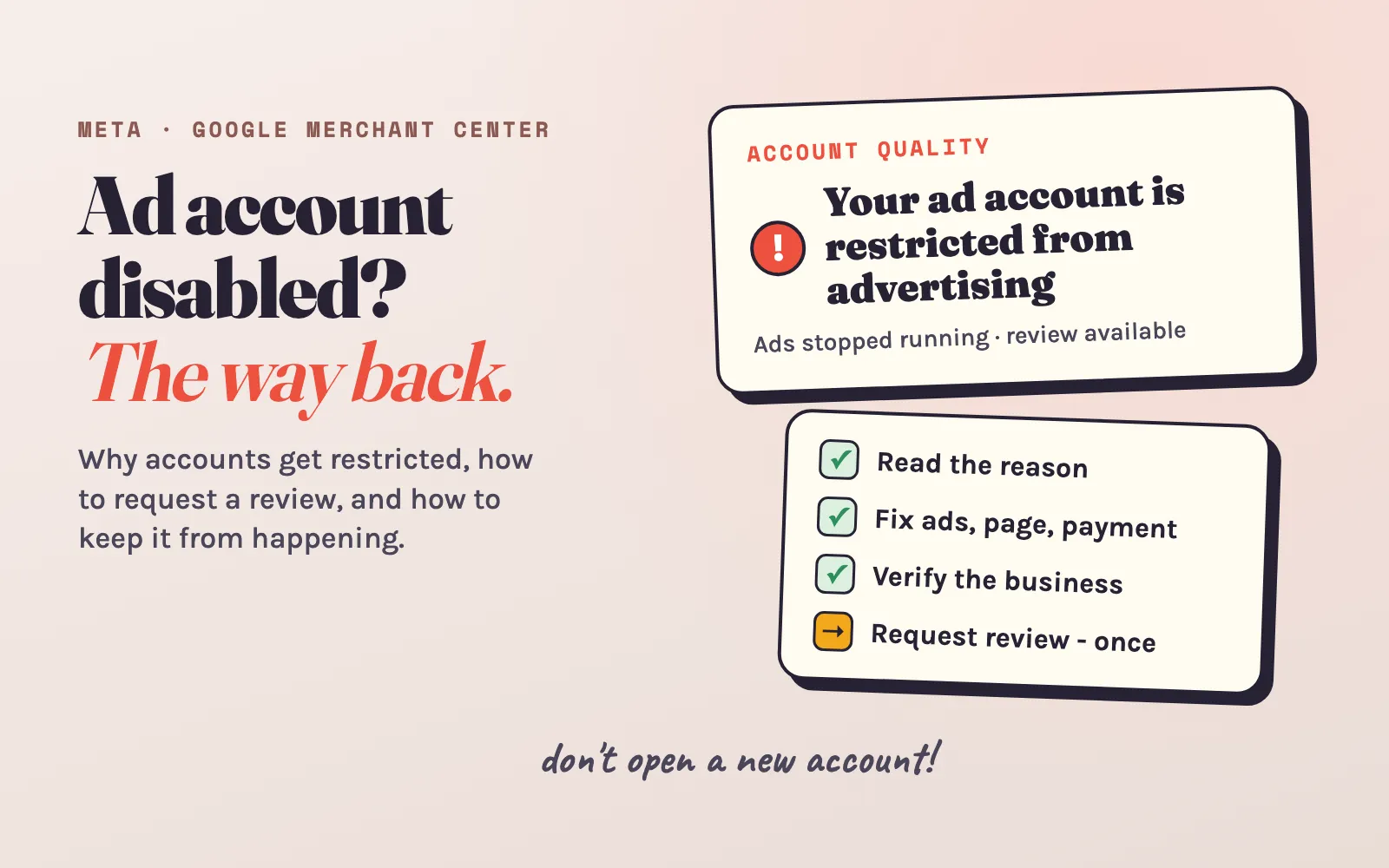
You open Ads Manager and see a red banner: your ad account has been disabled, or restricted from advertising. Ads stop, and so do the orders they brought. It happens to careful stores too - most restrictions come from automated checks, not from a person deciding your store is bad.
This guide covers why it happens, how to ask for a review, how to make it less likely, and the same problem on Google.
Disabled, restricted, rejected: what you are looking at
- An ad rejected - one ad broke a policy. Fix it or appeal that ad; the account keeps running.
- Ad account restricted or disabled - the whole ad account can’t run ads.
- Business portfolio restricted - every ad account and page in it is affected. This is the hardest to undo, and the reason not to create new accounts in a hurry.
Find which one it is in Account Quality (facebook.com/accountquality): it lists every asset of your business, its status and the reason Meta gives.
Why Meta disables ad accounts
The reasons that come up again and again in recovery guides (Leadsie, 2026) are:
- Payments. A failed charge, a card in another name or country, many cards tried, or a sudden jump in spend.
- Claims in the ads. Health, weight-loss, money and “before and after” claims, and wording that says something about the viewer (“Are you tired of…”).
- The landing page. A page that doesn’t match the ad, sells something else, or hides prices and shipping costs.
- Identity. An unverified business, a new personal profile as the only admin, admins logging in from many countries.
- Feedback. Many people hiding or reporting your ads, or complaints about late deliveries.
- Fast new accounts. A brand-new account that spends a lot on day one looks like the fraud the checks are built for.
Dropshipping stores meet these most: long delivery times, copied product claims and new accounts that scale quickly.
How to request a review
- Read the reason in Account Quality. Note which asset is restricted: the ad account, the page or the whole business portfolio.
- Fix what you can first - remove or change the flagged ads, update the landing page, verify the business (Business settings → Security centre) and check the payment method is in the business’s name.
- Request a review once, from Account Quality. Say what the store sells, who runs it and what you changed - short and factual. Upload the documents asked for (ID, business registration).
- Wait. Repeated requests don’t speed it up, and a new ad account opened in the same business portfolio is often disabled too.
- If the review fails, Account Quality sometimes offers a second appeal. For business-portfolio restrictions, Meta’s business support pages and chat are the route.
How to make it less likely
- Verify your business before you need to.
- Two admins on the business portfolio, both real, long-standing profiles with two-factor login.
- A payment method in the business’s name, in the business’s country.
- A slow start on new accounts: a small daily budget for the first weeks, raised step by step.
- Honest ads: no claims about health or income, no “you” statements about the viewer, the price as on the product page.
- A landing page that matches the ad, with prices, shipping times and the return policy easy to find.
- Deliver on time - complaints count against the account.
The same problem on Google
Google Shopping depends on Merchant Center, and its misrepresentation policy is the most common reason a Shopify store’s feed stops. Google’s own help says serious cases are suspended “upon detection and without prior warning”; other cases get a warning at least 7 days before a suspension. Account reviews typically take 7 business days, and accounts are reinstated “only in compelling circumstances” (Google Merchant Center help). A suspension stops Shopping and Performance Max with it.
What prevents most of it: a clear return and refund policy, real contact details and business address, prices and availability that match the product page, and no claims you can’t back up.
Don’t let one account carry the store
The hardest part of a disabled account is the weeks without orders. A store that sells through two or three channels keeps selling while one of them is under review. That’s why it pays to have a second channel running before you need it. Adeagle, which we make, is one: it runs from a Shopify app with a fixed monthly budget, shows your products on other stores, websites and apps, and doesn’t depend on your Meta or Google ad account. The compare section shows every channel’s account risks side by side.
Sources: Meta Account Quality (facebook.com/accountquality); Leadsie: recovering a disabled Meta ad account (2026); Google Merchant Center help: misrepresentation.
Questions
Usually an automated check flagged it: a payment that failed or looked unusual, an ad claim Meta's policies don't allow, a landing page that doesn't match the ad, an unverified business, or many people hiding or reporting the ads. New accounts that spend fast are checked most strictly.
Open Account Quality (facebook.com/accountquality), select the restricted asset and request a review. Explain what the business sells and what you changed, and upload any documents asked for. Request it once - repeated requests don't speed it up.
Meta doesn't publish a fixed time. Many reviews finish within a few days; some take weeks. While it runs, don't create new ad accounts from the same business portfolio - they are often disabled too.
Not to get around a restriction - Meta treats that as circumventing its systems and it can lead to a permanent ban of the business portfolio. Wait for the review.
Google's policy against stores that look untrustworthy: missing return or refund policy, unclear business or contact details, unrealistic offers or prices that don't match the store. Serious cases are suspended without warning; others get at least 7 days' notice. Account reviews typically take 7 business days.