
Your store is ready, and now people need to see it. For most small Shopify stores, that means Facebook and Instagram ads - it’s where the first ad dollar usually goes. It’s also where many stores lose that dollar, because Meta rewards a few things that aren’t obvious when you start.
Facebook ads can work very well for a small store. Meta is good at finding the people most likely to buy your product - if it has the right setup, enough budget to learn, ads that make people stop scrolling, and you have a way to check its numbers. This guide takes you through it in the order you need it: whether Facebook ads fit your store, what they cost, how to set them up with Shopify, your first campaign, the ads themselves, retargeting, and how to tell whether it’s really working.
Are Facebook ads right for your store?
Facebook and Instagram ads create demand: they show your product to people who were not searching for it. That is their great strength - and the reason they don’t suit every product.
| Fits well | Fits less well |
|---|---|
| Products people want once they see them: fashion, jewelry, home decor, beauty, gifts, gadgets, pet products | Products people only buy when they need them and search for: spare parts, supplies, repairs |
| A product that shows well in a photo or a 15-second video | A product that needs a long explanation |
| Margins that leave room for $15-40 of ads per order | Very low order values with thin margins |
| Time to make new images and videos every few weeks | No time or way to make creatives |
If your product is mostly searched for, start with Google - see our guide to Google ads for Shopify and Facebook ads vs Google ads. Many stores run both: Meta to be discovered, Google to be found.
What Facebook ads cost in 2026
Meta sells ads in an auction, so there is no price list - but the averages are well documented:
What matters more than the price of a click is the price of an order: cost per click ÷ conversion rate. At $0.90 a click and 1.5% of visitors buying, one order costs $60 in ads. If an order earns you $35 after product, shipping and fees, those ads lose money; if it earns $80, they pay. Find your limit with the CPA calculator before you spend.
Before you start: the checklist
Most failed first campaigns fail before the first ad runs. Check these first:
- A product page that sells. Fast on phones, clear photos, the price and shipping cost visible before checkout, a return policy. Ads multiply what the page does - including its problems.
- A Facebook page and an Instagram account for the store, with a few real posts.
- A Meta business portfolio (formerly Business Manager) owned by you, with a second admin.
- Business verification in the business settings - it lowers the risk of restrictions later.
- A payment method in the business’s name and country.
- Honest product claims. No health promises, no “before and after”, no copy that tells the viewer something about themselves.
Step 1: Connect Shopify with the Facebook & Instagram app
Meta’s own Shopify app does the technical part:
- In the Shopify App Store, install Facebook & Instagram (by Meta).
- Log in with the Facebook account that manages your business.
- Choose (or create) the business portfolio, Facebook page, Instagram account and ad account.
- Turn on data sharing: choose the highest level your privacy policy allows. It installs the Meta pixel and adds the Conversions API, which sends purchases from Shopify’s server - so Meta still sees sales when a browser blocks the pixel.
- Let the app sync your catalog - every product, with photos, prices and stock, kept up to date for catalog ads.
- Accept the terms, and wait for the catalog to finish syncing.
Check afterwards in Meta’s Events Manager that Purchase, Add to cart and View content events arrive from your store.
Step 2: Your first campaign
Keep the first campaign simple - complexity is what small budgets can least afford.
- Objective: Sales, optimizing for Purchase. If you expect fewer than about 10-20 purchases a week, optimize for Add to cart at first and switch later.
- Automated (Advantage+) audience and placements. Meta finds buyers better than hand-picked interests in most stores, and placements across Facebook, Instagram, Reels and Stories keep the cost down.
- One campaign, one or two ad sets, so each gets as many conversions as possible.
- 3-6 creatives per ad set: a mix of video and images (see below).
- A daily budget you can keep for three weeks without touching it - every big change restarts the learning.
The learning phase: the real minimum budget
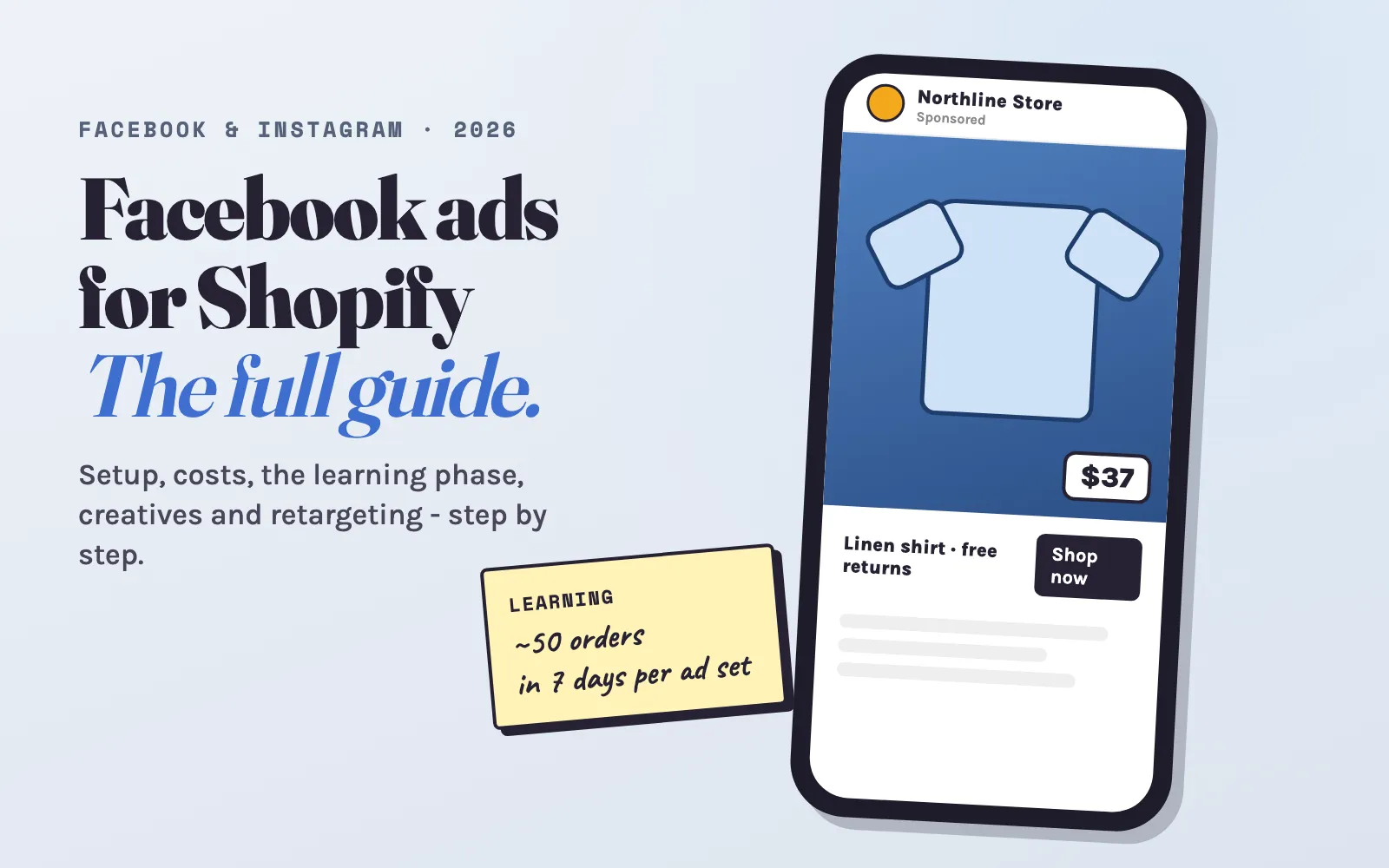
Meta says each ad set needs about 50 conversions in 7 days to leave its learning phase; until then delivery is less stable and the cost per result higher. Few small stores reach that on purchases - so it is worth knowing what it costs for yours:
- That is per day
- $429to learn on purchases
- Cost per order
- $60click ÷ conversion rate
- Orders a week at your budget
- 2Meta wants ~50
Too little to learn on purchases. $20 a day buys about 2 orders a week. Use one campaign with a broad audience, or optimize for an earlier step (add to cart) at first.
What to do with a small budget:
- Optimize for an earlier step - add to cart or initiate checkout happen several times more often than purchases, so the ad set learns sooner.
- One ad set, not five: five ad sets split the conversions five ways.
- Broad audience: narrow interests make each conversion more expensive.
- Patience: “learning limited” is a warning, not a penalty. A campaign can sell while learning.
What each budget can do
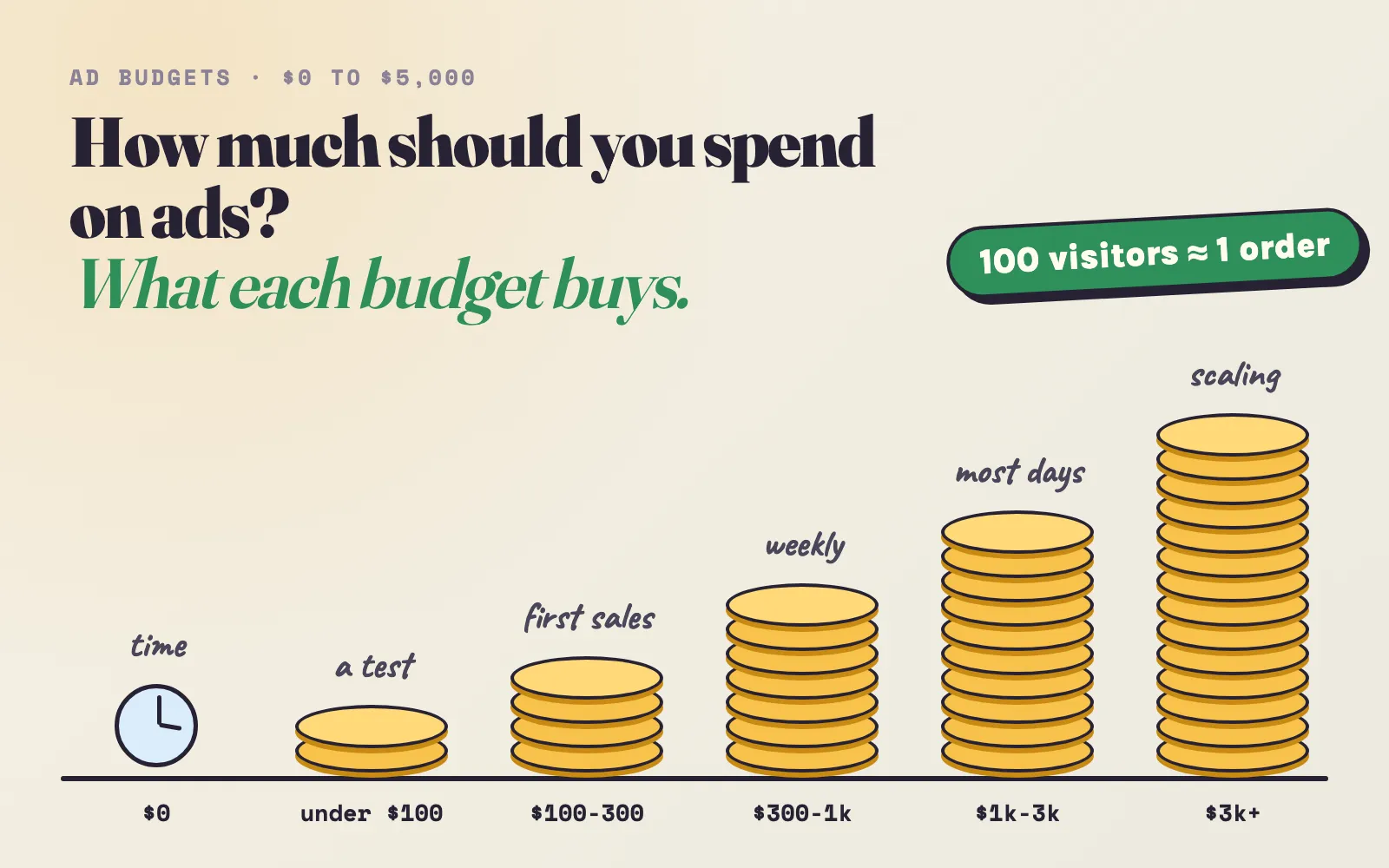
At $0.90 a click and 1.5% of visitors buying (one order per $60 of ads), this is what a daily budget realistically buys - and what to do with it:
| Daily budget | A month | Visits a month | Orders a month | How to run it |
|---|---|---|---|---|
| $10 | $300 | ~330 | ~5 | One campaign, one ad set, optimize for add to cart; it is a test, not a channel yet |
| $30 | $900 | ~1,000 | ~15 | One sales campaign, broad audience, 4-6 creatives; add retargeting |
| $100 | $3,000 | ~3,300 | ~50 | Sales campaign on purchases; separate retargeting; test new creatives weekly |
| $430+ | $13,000+ | ~14,000 | ~210 | Enough for an ad set to leave learning on purchases every week |
Your own cost per click and conversion rate change every line - put them into the calculator above, and plan the whole budget with the ad budget calculator or our guide to how much to spend on ads.
A 30-day plan for a new store
- Set up and check. App connected, events arriving in Events Manager, catalog synced, business verified. Product pages fast, shipping cost visible.
- Launch and leave it. One sales campaign, broad audience, 4-6 creatives (half video). No edits for a week, whatever the first days look like.
- Read the first signals. Which creatives get the cheapest clicks and add-to-carts? Pause the clear losers, add two new ads in the style of the winner.
- Add retargeting. Catalog ads for product viewers and cart abandoners, a small separate budget. Check Meta's purchases against Shopify orders.
- Decide. Cost per order below your limit: raise the budget 20-30%. Close: new creatives and offers. Far above: fix the store or the offer before spending more.
Creatives: what decides the price
The same audience can cost twice as much with a tired ad. Creatives are where small stores win or lose on Meta.
Formats and sizes
| Placement | Shape | What works |
|---|---|---|
| Reels and Stories | Vertical 9:16 | 6-15 seconds of the product in use; the first second must show it |
| Facebook and Instagram feeds | 4:5 or square 1:1 | A clear product photo, the price, one benefit |
| Carousel | 1:1 cards | Several products, or one product from several angles |
| Catalog ads | From your catalog | Retargeting: the exact products a visitor viewed |
What tends to work for stores
- Show the product in the first second - in use, in hands, on a person.
- Real-looking video beats polished: phone footage, unboxing, a customer showing it.
- One message per ad: a benefit, a price, an offer - not all three.
- Captions on video - most people watch without sound.
- New creatives every 2-4 weeks: when the frequency climbs and the click rate falls, the ad is tired.
Hooks to test in the first second - one per ad:
- The problem: “Tired of shirts that wrinkle in your suitcase?” (careful: describe the problem, not the viewer).
- The result: the product doing its job, no words.
- The detail: a close-up of the fabric, the stitching, the mechanism.
- The proof: a customer review on screen, a “sold 2,000+” line if true.
- The price: “$37, free shipping over $50” - for products where price is the reason to buy.
Offers that move the numbers
The ad brings the visitor; the offer often decides the order. What tends to work for small stores:
- A free-shipping threshold a little above your average order - it lifts the order value and removes the biggest checkout surprise.
- Bundles (“2 for $60”) - a higher order value lets you pay more per click.
- A first-order discount for email sign-ups - it turns visitors who don’t buy today into people you can reach for free.
- A clear reason to buy now for sales and launches, with a real end date.
In November and December everyone bids, and clicks cost more; plan sales weeks with our Black Friday marketing strategy.
Audiences: broad first, then retargeting
- Broad or Advantage+ audience for new shoppers: country, age range at most, and let Meta find the buyers. Interest targeting helps mainly when the audience is very specific.
- Lookalike audiences from your buyers - useful once you have a few hundred customers.
- Website visitors for retargeting: product viewers of the last 14 days, cart abandoners of the last 7.
- Exclude recent buyers from prospecting and from retargeting the product they bought.
Retargeting with catalog ads
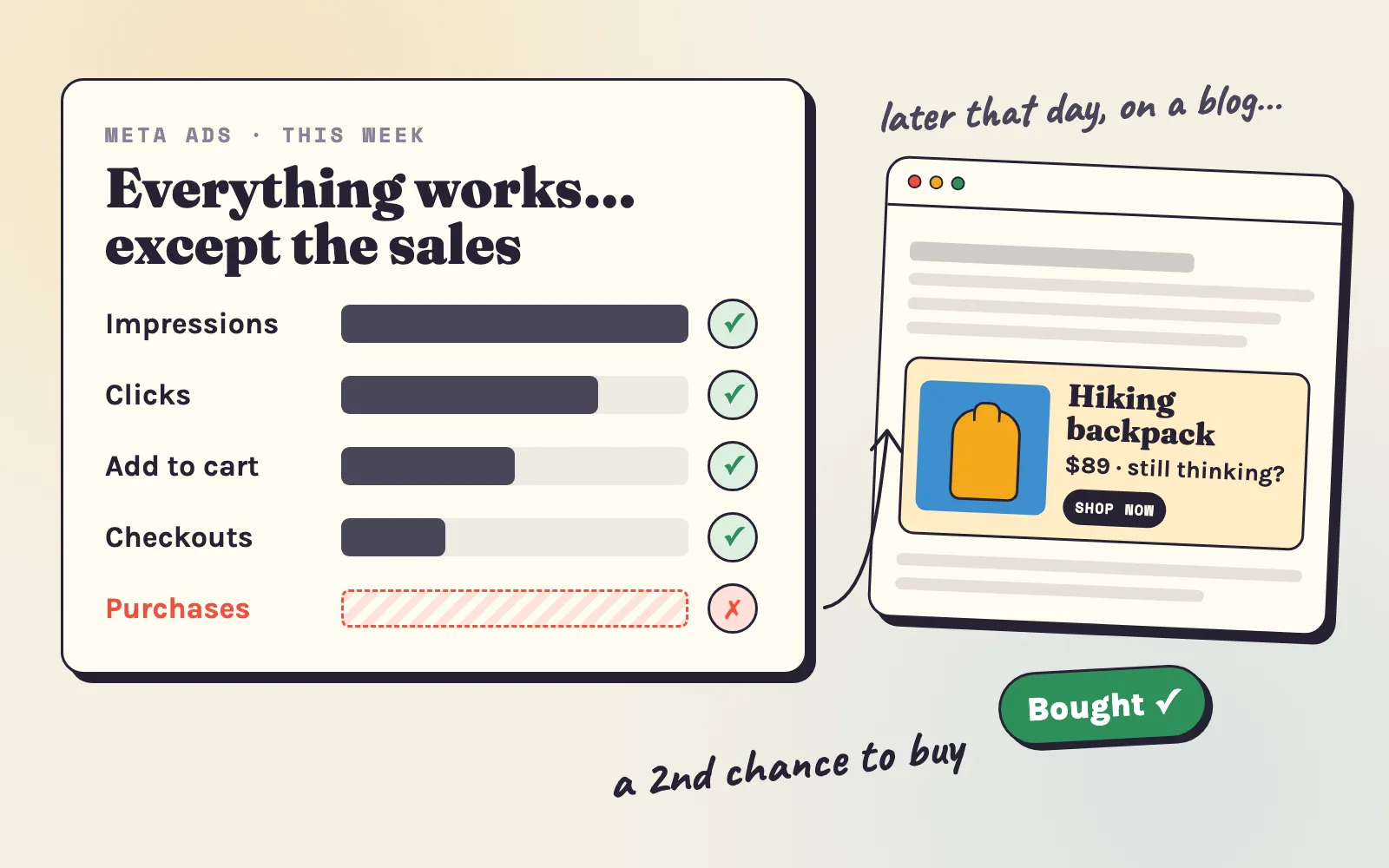
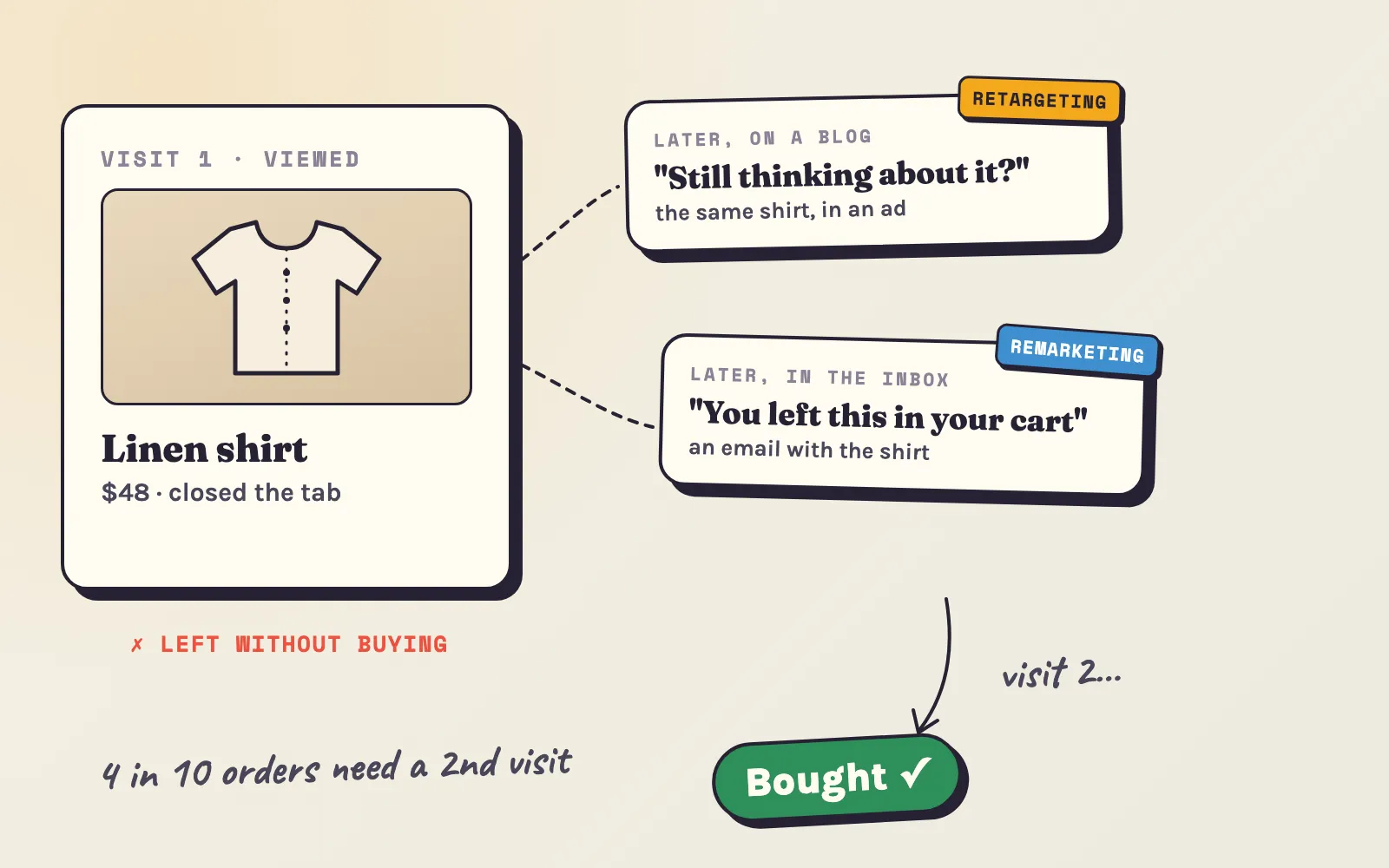
Most visitors leave without buying. Catalog ads show each of them the products they viewed, with the current price - the cheapest orders a store gets. Start with a short window (up to 14 days for product viewers, about 7 for cart abandoners), cap the frequency, and stop after the purchase. Our guide to retargeting vs remarketing covers the windows, the free email side and how to test whether retargeting really adds sales.
Meta can only retarget inside its own apps. Your visitors also spend time on blogs, other stores and apps - display retargeting on the open web reaches them there; see Adeagle vs Meta ads for how the two split the job.
Measuring: Meta’s numbers vs your Shopify orders
Meta counts the orders its pixel and the Conversions API connect to an ad - including orders from people who only saw an ad, within the attribution window of the ad set. That is useful for optimizing, but it is Meta grading its own work:
- Tag your ad links with UTM parameters (the UTM builder makes them) and compare Meta’s purchases with Shopify’s orders from
utm_source=facebookandinstagram. - Expect a gap: Meta usually reports more than the last-click orders Shopify shows, because it also counts views and earlier clicks.
- Judge by total sales: pause the campaign for two to three weeks once a year and see what happens to total store sales - the honest test of what the ads add.
- Use ROAS with your margin: a 2× ROAS is a loss at a 40% margin. The good ROAS guide shows the break-even for yours.
Reading Ads Manager: the numbers that matter
Ads Manager shows dozens of columns. These six, in this order, tell you where a campaign is stuck:
| Metric | What it tells you | When to act |
|---|---|---|
| CPM (cost per 1,000 views) | What the audience costs | Rising fast: audience too narrow, or a busy season |
| CTR (link click-through rate) | Whether the ad stops people | Well below ~1.7% for weeks: new creatives |
| CPC (cost per link click) | CPM and CTR together | Above what your highest cost per click allows |
| Add-to-cart rate | Whether the product page convinces | Clicks but few add-to-carts: the page, the price or the photos |
| Cost per purchase | The number that pays the bills | Above your break-even cost per order |
| Frequency | How often each person saw the ad | Climbing while CTR falls: the ad is tired |
Read them top to bottom: a high cost per purchase with a normal CPM and CTR points to the store, not the ads.
Scaling what works
- Raise budgets in steps of 20-30%, a few days apart - big jumps restart the learning.
- Add new creatives before raising the budget a lot; a tired ad gets expensive faster at a higher spend.
- Duplicate a winning ad set into a new campaign only when the original can’t spend more.
- Watch cost per order, not cost per click, as you scale.
Keep the ad account safe
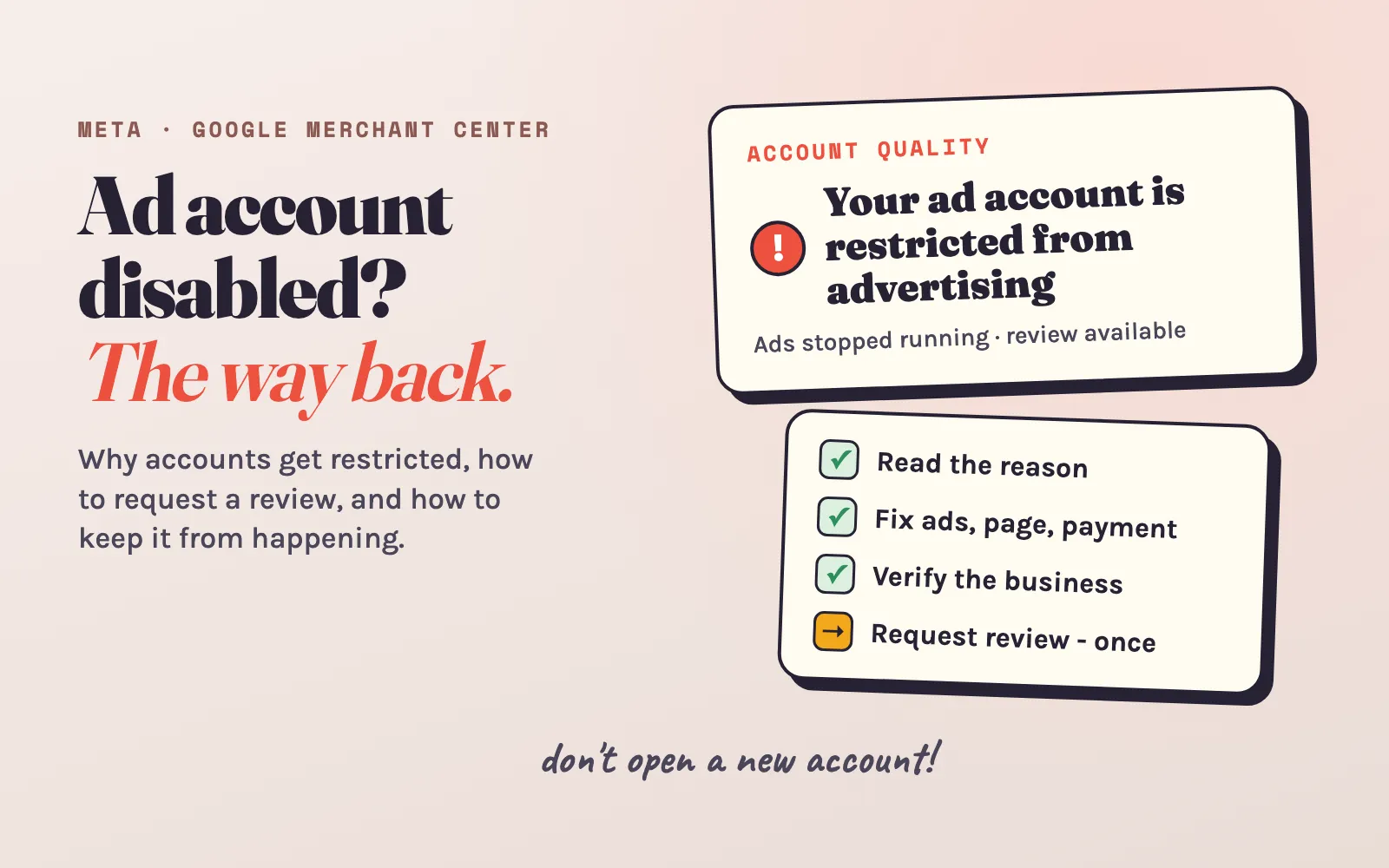
Meta disables or restricts ad accounts through automated checks: payments, claims in the ads, landing pages that don’t match, unverified businesses, many people hiding the ads. A restricted account can stop your sales for weeks. Verify the business, keep two admins, pay with a card in the business’s name, start new accounts slowly and keep claims honest - and read what to do if your Facebook ad account is disabled before you need it.
Mistakes that waste the most money
- Five ad sets on $20 a day - none of them ever learns.
- Changing the campaign every two days - each big edit restarts the learning.
- Narrow interest stacks instead of a broad audience.
- The same three ads for months.
- Boosting posts instead of sales campaigns - boosts optimize for engagement, not orders.
- Judging after three days.
- Trusting Meta’s ROAS alone - check it against Shopify and total sales.
- Sending ads to the home page instead of the product.
When Facebook ads don’t sell
Clicks and add-to-carts but no purchases usually point to the store (speed, price, shipping, trust) or to tracking - not to the ads. Our guide Meta ads not converting goes through the causes in order.
And don’t let one platform carry the store. A second channel - Google for shoppers who search, the open web for those who browse - keeps orders coming when Meta’s costs rise or an account is under review. The compare section puts every channel side by side, with costs, risks and who each suits.
Sources: Meta Business Help Center (learning phase, minimum budgets, attribution setting); cost benchmarks compiled in how much Facebook ads cost (LocaliQ/WordStream, Triple Whale, Gupta Media, Orange MonkE); Meta’s Facebook & Instagram app listing on the Shopify App Store.
Questions
Yes, for products people buy once they see them - fashion, home, beauty, gifts, gadgets. They work less well for products nobody searches for and nobody stops to look at, or when the budget is too small for Meta to learn. Most stores use them to find new shoppers and add a second channel to bring visitors back.
Meta lets you start at about $1 a day, but it learns best when each ad set gets about 50 conversions a week. Work out what that costs at your click price and conversion rate - the calculator in this guide does it. Below that, start with one campaign and $10-30 a day, and give it two to four weeks.
Install Meta's Facebook & Instagram app from the Shopify App Store, log in with the Facebook account that manages your business, choose the business portfolio, Facebook page, Instagram account and ad account, turn on data sharing, and let the app sync your product catalog.
For most small stores, yes: a sales campaign with Meta's automated audience and placements usually learns faster than many hand-made ad sets. Keep control over the creative and the budget, and exclude recent buyers where the campaign allows it.
Usually the product page, the price or shipping costs - or Meta counting sales differently from Shopify. Check the page speed, the price and shipping shown before checkout, and compare Meta's report with your Shopify orders. Our guide to Meta ads not converting goes through the causes.
You buy both in the same campaign, and Meta shows the ads where they cost least for your goal. Let it choose the placements unless one clearly doesn't work for your product.
Often a first sale in the first week or two, but plan on two to four weeks before you judge a campaign - long enough for the learning phase and for shoppers who need several visits.
Yes - Meta restricts ad accounts after automated checks on payments, claims and landing pages. Verify the business, use a payment method in the business's name, keep ad claims honest and start new accounts with small budgets.