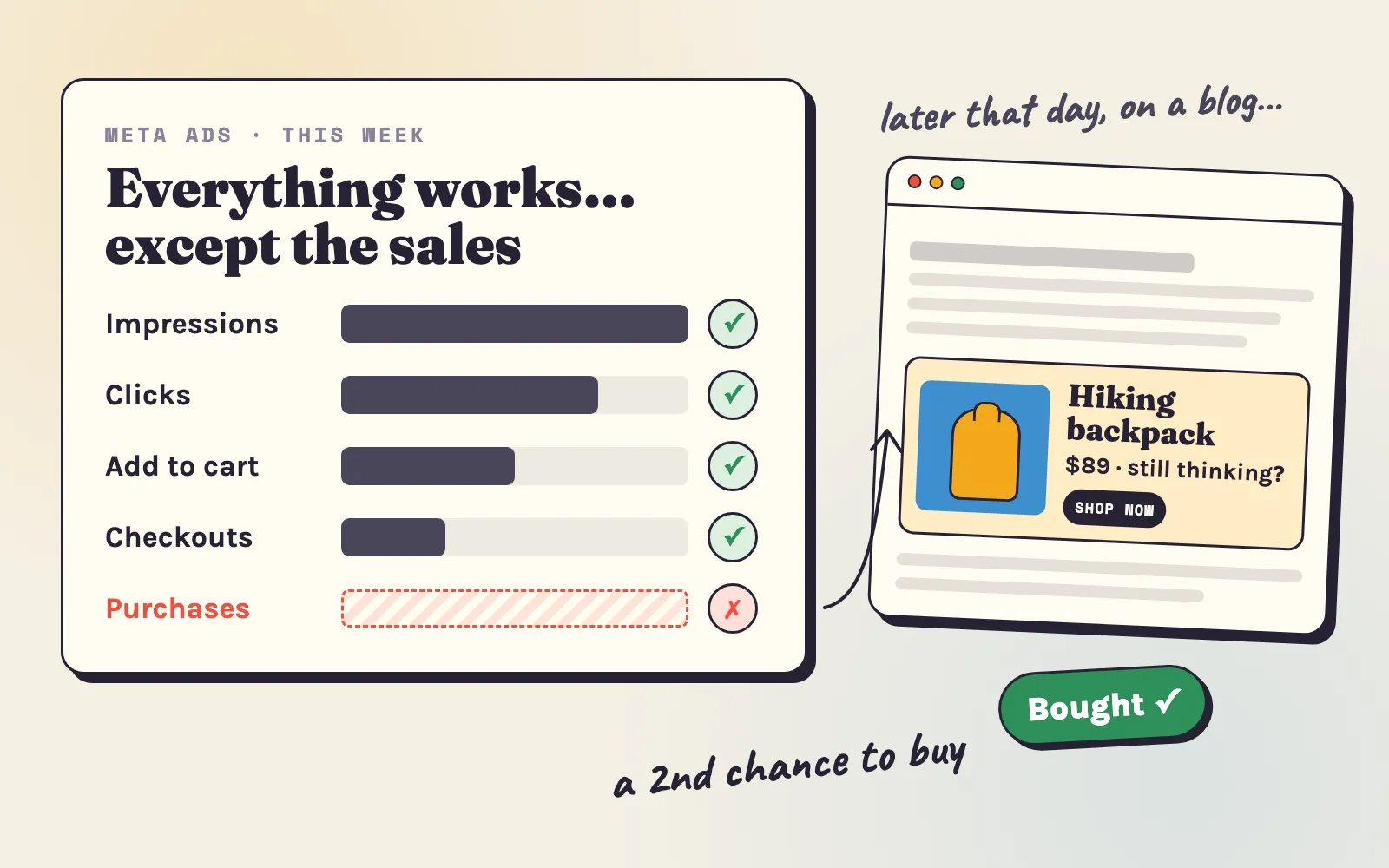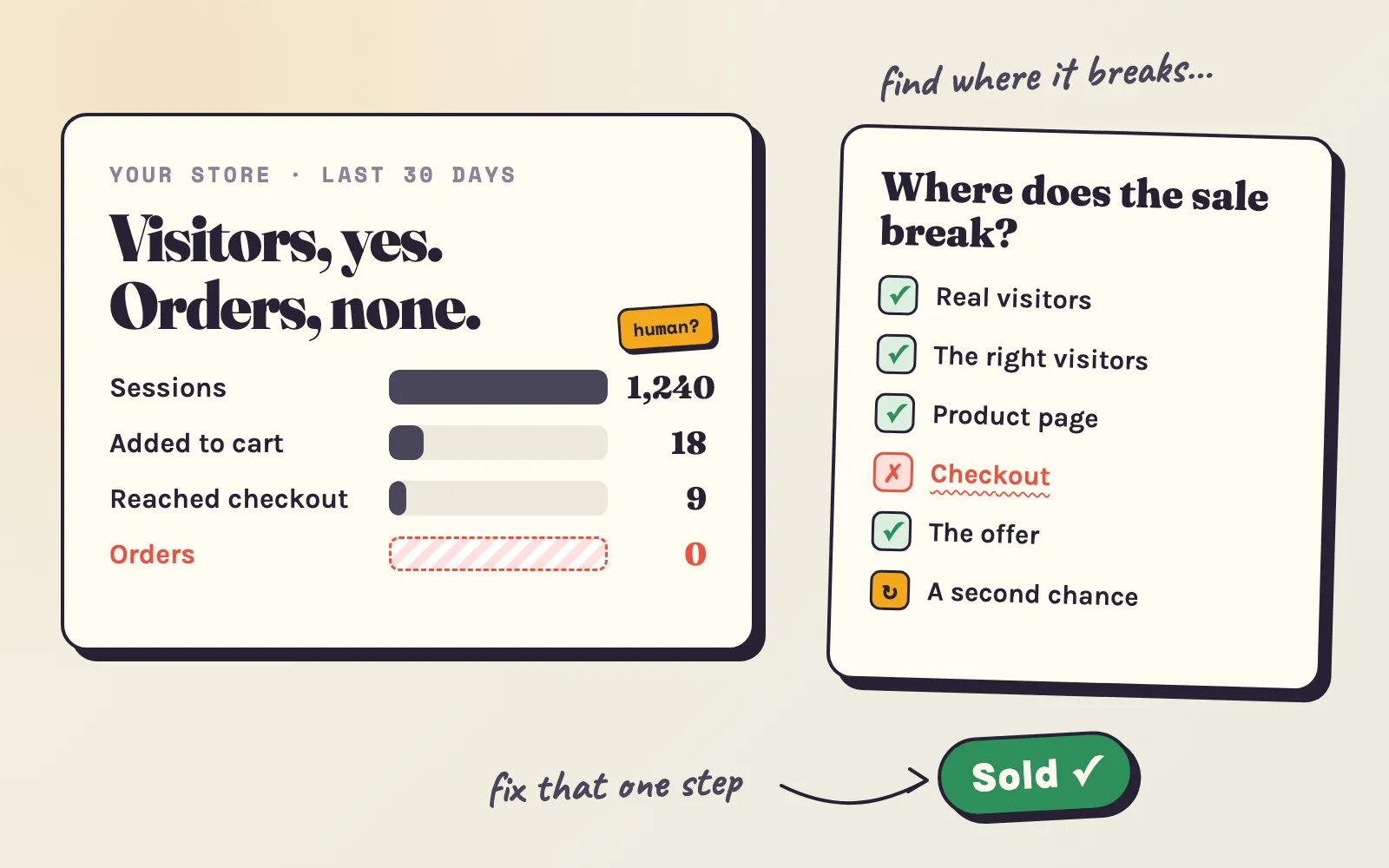

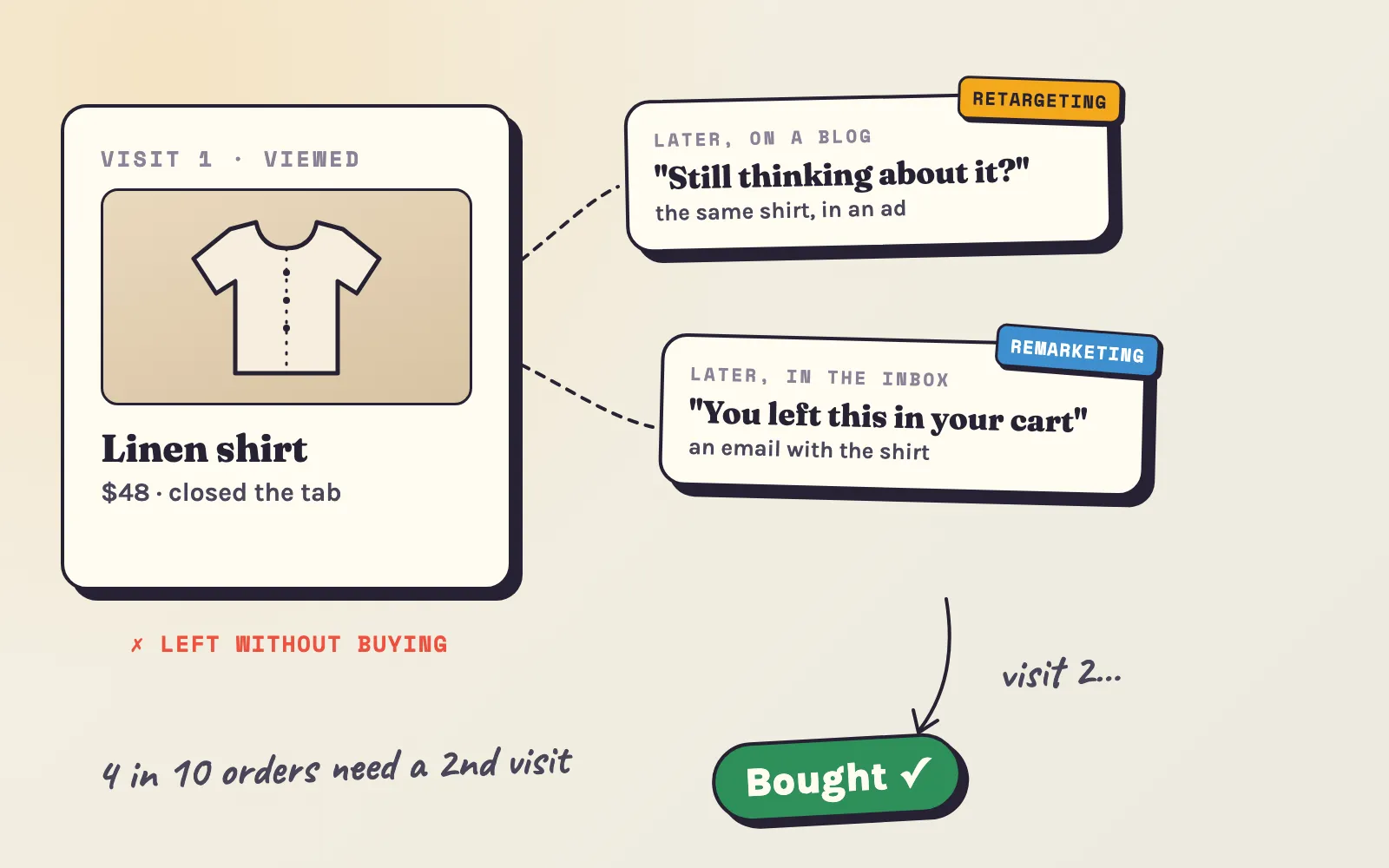
A shopper looks at your linen shirt, checks the price, and closes the tab. Was that a lost sale? In most stores, no - it was the first of two or three visits. Whether that shopper comes back to you or buys the same shirt somewhere else depends on one thing: whether you can reach them again.
That is what retargeting and remarketing do. The two words get mixed up all the time, so this guide starts with what each one really is, then shows which one a small Shopify store should set up first, how to build the audiences, what it costs, and how to tell whether it is really working.
Retargeting vs remarketing: the short answer
Retargeting shows ads to people who visited your store - on other websites, apps and social media they use later. Remarketing reaches people whose contact details you have - mostly by email and SMS. Both bring back shoppers who already know you; they just use different roads.
| Retargeting | Remarketing | |
|---|---|---|
| Who you reach | Anyone who visited your store, even without leaving any details | People who left an email or phone number - subscribers, abandoned checkouts, customers |
| Where | Ads on websites, apps and social media | Their inbox or phone |
| What you need | A tag on your store (ad apps add it) and an ad budget | An email or SMS tool - Shopify includes one |
| Cost | You pay for the ads | Mostly free to low cost |
| Best for | The many visitors who leave no details | The few who got furthest - carts, checkouts, past buyers |
A note on the names: Google Ads calls its retargeting ads “remarketing” (in the account it now says “your data segments”), and Meta calls retargeting audiences “custom audiences”. When a guide or a tool says one word, check which road it means.
Why one visit is rarely enough
Shoppers compare, get distracted, wait for payday. You can see it in your own orders: Shopify records the visits that led to each order. Across a sample of Shopify stores, this is how many visits an order took:
More than 4 in 10 orders came from a shopper who visited at least twice. And here is the part most stores miss: when those shoppers came back, they usually came back on their own.
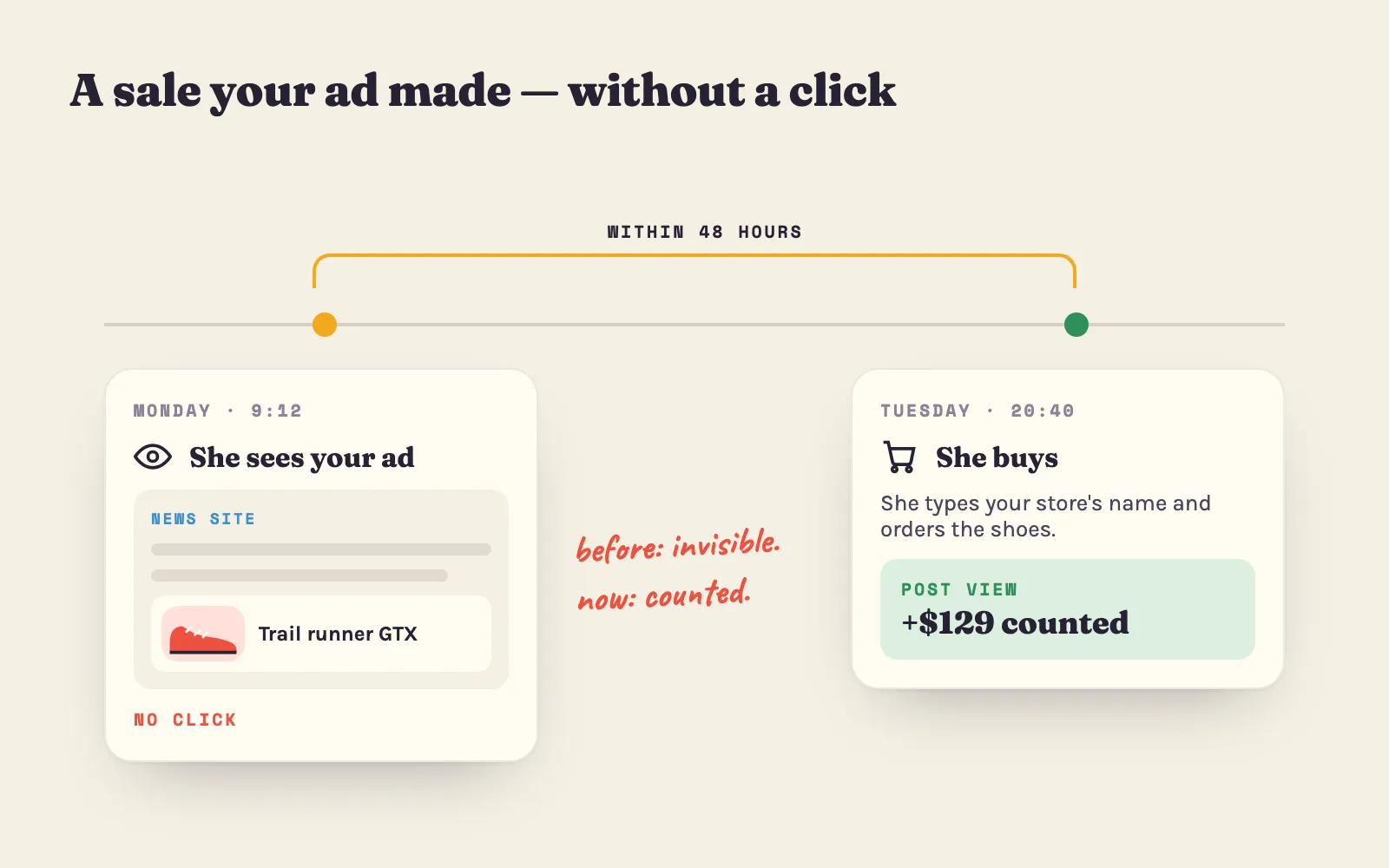
That changes how you should judge reminders. A retargeting ad often doesn’t get the click; it gets remembered, and the shopper comes back later by typing your address. That is why Adeagle counts post-view sales next to the sales from clicks - and why you should measure retargeting by your total sales, not by its clicks alone (more on that below).
How retargeting works
- A tag remembers the visit. When you install an ad app on Shopify - Meta’s, Google’s, TikTok’s, Adeagle - it adds a small piece of code that notes which products a visitor looked at.
- The visitors become an audience. “Viewed a product in the last 14 days”, “added to cart but didn’t buy”, and so on.
- The audience sees your ads elsewhere. On Facebook and Instagram, on YouTube and Google’s partner sites, or - with Adeagle - on other Shopify stores, blogs and apps.
- Dynamic ads show the exact product. Instead of one banner for everyone, each shopper sees the shirt they looked at, with its price. For stores with more than a handful of products, this works far better.
What limits it: shoppers who decline tracking. In the EU, cookie banners let visitors say no; on iPhones, about 35-50% of users allow apps to track them (AppsFlyer and Adjust, 2025). Your audience will always be smaller than your visitor count. Chrome, the most used browser, kept third-party cookies in 2025 (martech.org), so the “end of retargeting” headlines of past years did not happen.
How big it must be: Google Ads and Meta need about 100 people in an audience before they show ads to it (Search Engine Land). A store with a few hundred visitors a month gets there in one to two weeks.
How remarketing works
Remarketing uses the contact details shoppers gave you. On Shopify, four messages do most of the work:
- Abandoned checkout email - sent automatically when someone enters their email at checkout and leaves. Shopify sends it for free; check that it is switched on under Marketing > Automations (in older admins, Settings > Notifications). Across Klaviyo’s customers, abandoned cart emails earn about $6.77 per recipient on average, and $13.70 for the top 10% of brands (Klaviyo).
- Welcome email - for the shoppers who sign up through a pop-up. Show your bestsellers and the reason to buy from you.
- Browse reminder - “still thinking about it?” for subscribers who viewed a product. Most email apps offer it.
- After the order - care tips, a review request, and a reorder or cross-sell at the right time.
Shopify Email sends 10,000 emails a month for free, and abandoned checkout emails don’t count toward that (Shopify help).
The limit of remarketing: it only reaches the shoppers who left an address. Most visitors never do - which is exactly the gap retargeting fills.
Which to set up first
Start with what is free and closest to the sale, then widen:
Build the retargeting audiences
Retargeting “everyone who visited, for 180 days” is the most common mistake: it pays to reach people who bounced in two seconds and people who already bought. Split visitors by how close they got to buying:
| Audience | Window to start with | What to show |
|---|---|---|
| Added to cart, didn’t buy | 1-7 days | The exact cart items, delivery time, returns. A small incentive only after a few days. |
| Viewed a product | up to 14 days | That product and two or three similar ones (dynamic ads). |
| Visited, viewed nothing | 7-30 days | Your bestsellers and the reason to buy from you. |
| Bought | exclude for 30 days | Then cross-sell, or a reorder reminder when a consumable runs out. |
| Everyone, 30-90 days | for sales events | Black Friday, new collection, restock - a reason to come back now. |
These windows are starting points. Shorten them if you sell cheap impulse products; lengthen them for furniture, jewelry and other things people think about for weeks.
Three rules that keep it from feeling creepy:
- Cap the frequency. Most ad platforms let you limit how often one person sees your ads. A few times a day is plenty.
- Stop after the purchase. Exclude buyers of a product from ads for that product.
- Give a reason, not just a repeat. “Free returns for 30 days”, “back in stock”, “ships in 2 days” - something the shopper didn’t know on the first visit.
What retargeting costs - and returns
A retargeting audience is only your past visitors, so it can’t absorb a big budget. A common split is 10-30% of your ad budget on retargeting and the rest on finding new visitors. On Adeagle, about 20% of a plan’s budget goes to retargeting by default, and up to a third.
What it brings back, in our data:
How to tell if it really works
Here is the honest part: retargeting ads take credit for some sales that would have happened anyway. A shopper who was going to come back tomorrow sees your ad tonight, and the ad platform counts the sale. One Shopify merchant who switched off retargeting for three regions found that they kept buying at the same rate (Attribuly) - while the ad platform still showed a high ROAS.
You don’t need a data team to check your own store:
- Note your total store sales - all channels - for three normal weeks.
- Pause retargeting for two to three weeks, or exclude one region if you sell in several. Change nothing else, and avoid sale weeks.
- Compare total sales with the weeks before (and, if you can, the same weeks of last year).
- If sales fell by more than what retargeting cost, it pays. If they didn’t move, shorten the windows, narrow the audiences, or move the money to finding new visitors.
Small stores have noisy numbers, so look for a clear difference, not a few percent - and repeat the test once a year.
Where to run it from Shopify
- Facebook and Instagram: the Facebook & Instagram app adds Meta’s tag; build website custom audiences and catalog ads for dynamic retargeting. Read why Meta ads stop converting before you raise the budget.
- Google and YouTube: the Google & YouTube app adds Google’s tag; retargeting lists are under “your data segments”, and dynamic remarketing uses your product feed.
- TikTok: the TikTok app adds its tag; useful if your first visitors come from TikTok.
- Adeagle: install the app and pick the Professional or Ultimate plan; retargeting then shows each visitor the products they viewed on other Shopify stores, blogs and apps, and the dashboard shows the orders that came from clicks and from views.
- Email and SMS: Shopify Email (free up to 10,000 emails a month) for the abandoned checkout and welcome emails; dedicated email apps when you want more flows.
A Black Friday retargeting plan
November brings the most visitors of the year - and most of them leave to compare. A plan for Black Friday on November 27, 2026:
- Build the audiences. Install the tags, switch on the abandoned checkout email, add an email pop-up. Every visitor this month becomes someone you can reach on the day.
- Warm up. Tell subscribers and past visitors what is coming - early access for email sign-ups.
- Black Friday to Cyber Monday. Retarget cart abandoners daily with the deal and its end date; send the abandoned checkout email within hours.
- Gift reminders. Retarget November visitors with last-order dates for Christmas delivery.
- Second order. Email and retarget first-time Black Friday buyers with a reorder or cross-sell - they are your cheapest next sale.
Mistakes that waste retargeting money
- One audience for everyone, for 180 days. Split by intent and keep windows short.
- Showing ads to people who already bought. Exclude them.
- The same banner for months. Change the creative every few weeks, or use dynamic product ads.
- No frequency cap. Shoppers notice - and not in a good way.
- Judging by clicks. Retargeting works partly through memory; judge it by total sales in a pause test.
- Retargeting before fixing the store. Bringing shoppers back to a slow page or a checkout with surprise shipping costs only loses them twice - see no sales on Shopify.
Free tools to plan it
- ROAS calculator - the return your ads need at your margin.
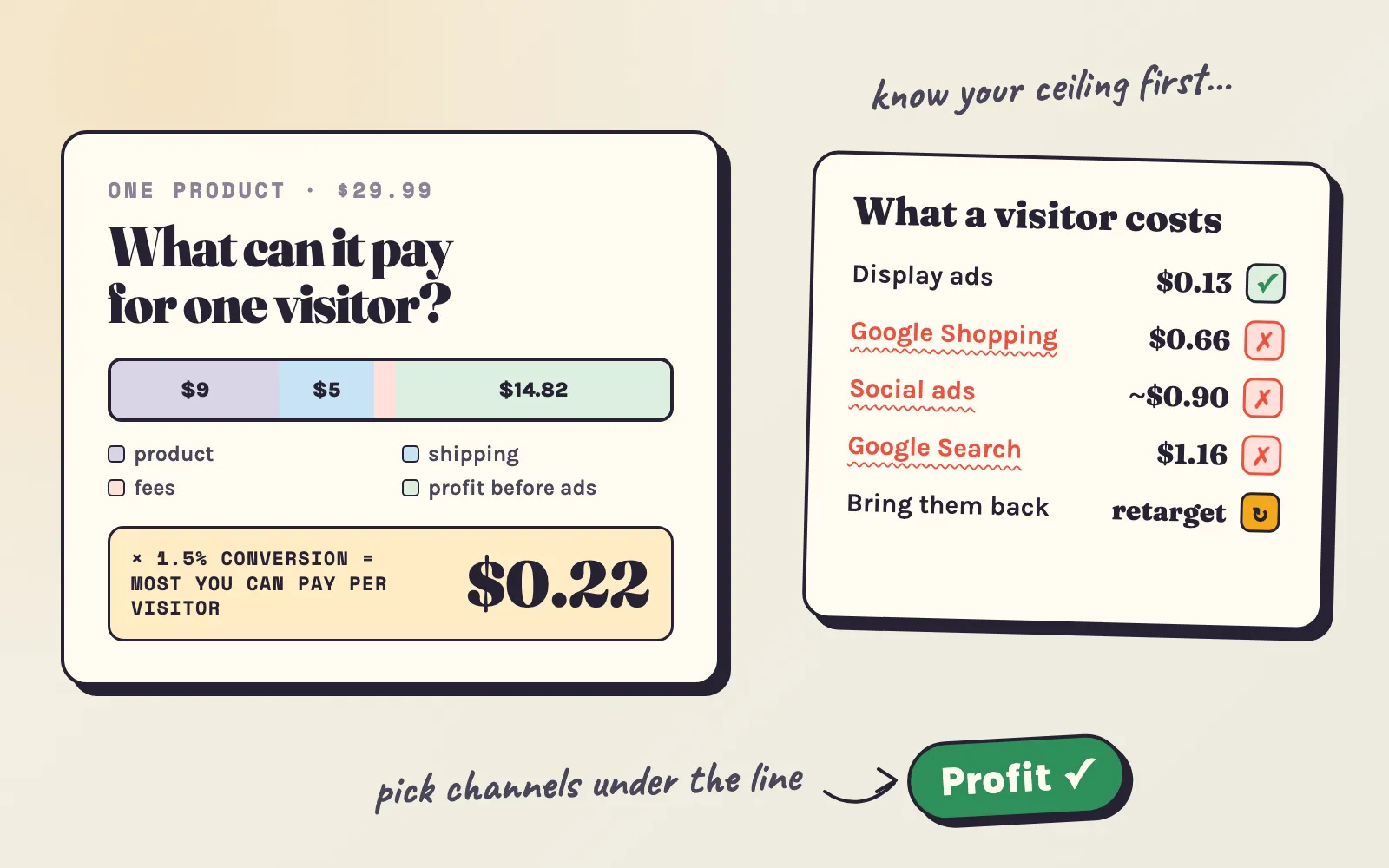
- CPC calculator - what a visitor may cost you.
- CTR calculator - what click rates are normal, by product category.
- Customer lifetime value calculator - what a customer who comes back is worth.
Most of your future customers have already visited your store. Retargeting and remarketing are how you get them to come back - to you, and not to the next store they find.
Sources: Adeagle data on visits per order (a sample of 112 Shopify stores, 2026, from Shopify’s record of each order’s visits), retargeting clicks and post-click sales; iPhone tracking opt-in - Adjust and AppsFlyer (2025); Chrome cookies - martech.org; audience minimums - Search Engine Land; Google’s “your data segments” - Google Ads help; abandoned cart email results - Klaviyo; Shopify Email - Shopify help; retargeting pause test - Attribuly.
Questions
Retargeting shows ads to people who visited your store, as they browse other websites, apps and social media. Remarketing reaches people whose contact details you have - mostly by email or SMS, such as an abandoned cart email. The words are often mixed up, and Google Ads calls its retargeting ads "remarketing".
Usually yes, because most shoppers need more than one visit - in a sample of 112 Shopify stores, 43% of orders came after two or more visits. Retargeting audiences are small, so the budget is small too. Check it with a two-to-three-week pause test before you raise it.
Less than prospecting ads in total, because the audience is only your past visitors. A common split is 10 to 30% of the ad budget. On Adeagle, about 20% of a plan's budget goes to retargeting by default, up to a third.
Short for warm shoppers and longer for brand reminders - for example 1 to 7 days for people who added to cart, up to 14 days for product viewers, and 30 to 90 days for general reminders and seasonal sales. Exclude people who already bought the product.
Google Ads and Meta need about 100 people in an audience before they show ads to it. A store with a few hundred visitors a month reaches that within one to two weeks.
Yes. Chrome kept third-party cookies in 2025, Meta and Google build audiences from their own sign-ins and your store's tag, and email remarketing needs no cookies at all. Audiences are smaller than your visitor count, because some shoppers decline tracking.
Ads that show each visitor the exact products they looked at, pulled from your product catalog, instead of one general ad for everyone. For stores with many products it usually works far better than a single banner.
Keep the window short, cap how often one person sees your ads, stop showing a product once it is bought, and give a reason to come back - delivery time, a return policy, a restock - instead of just repeating the same picture.